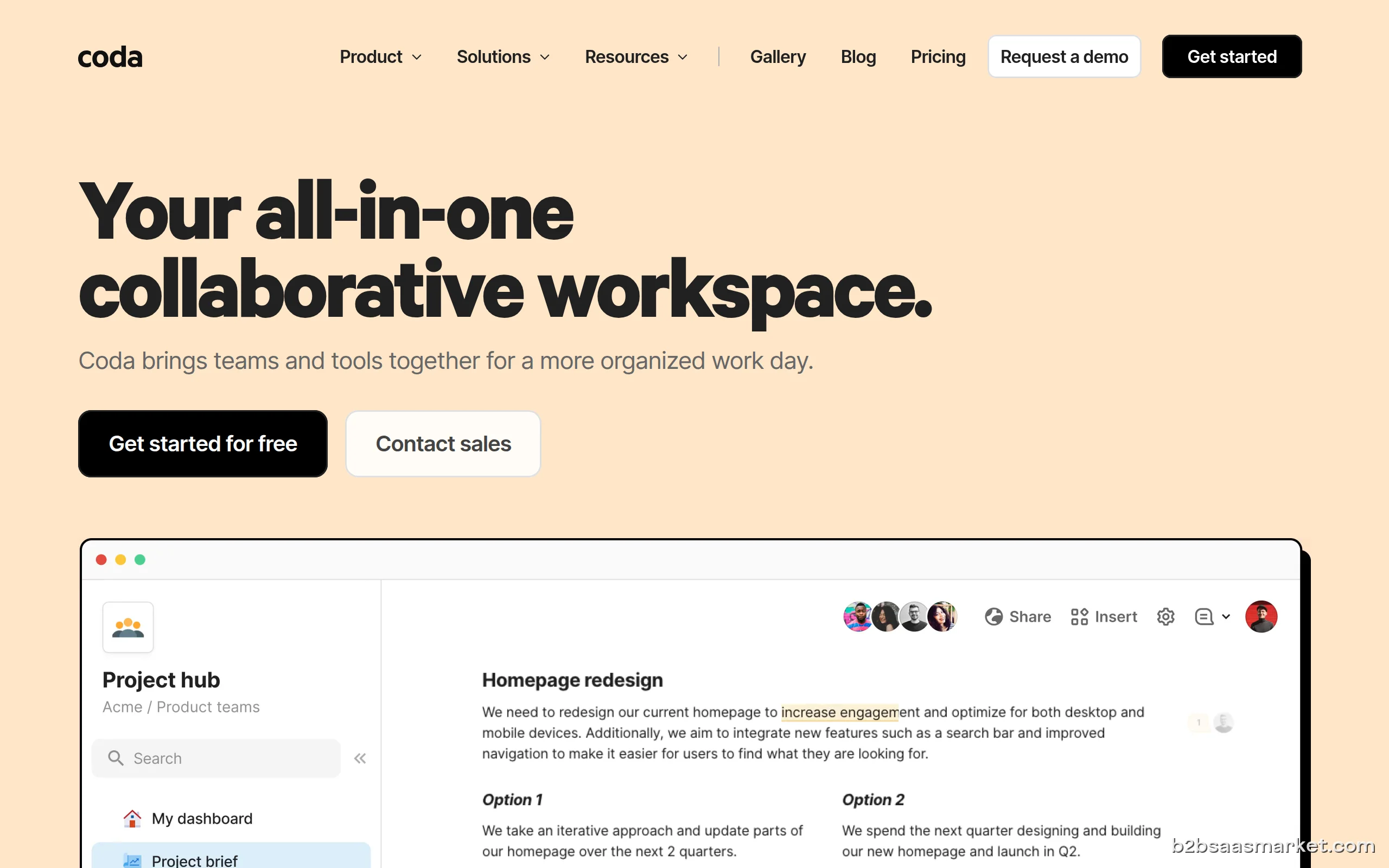
Coda is an all-in-one document collaboration tool that combines the functionalities of documents, spreadsheets, and applications into a single platform. Designed for teams and organizations, Coda enables seamless information sharing and project management, making it an ideal choice for businesses looking to enhance productivity and collaboration.
Coda Review
Coda revolutionizes the way teams collaborate by merging documents and spreadsheets into a single, flexible platform. With its unique approach, Coda allows users to create customizable documents that can integrate data, automate workflows, and facilitate teamwork. This all-in-one solution is designed to streamline processes, enhance communication, and improve overall productivity, making it an essential tool for modern businesses.
Who It's For
Coda caters to a diverse audience, including small businesses, startups, and large enterprises. Its user-friendly interface and powerful features make it suitable for teams across various industries such as marketing, project management, HR, and finance. Whether you are a project manager looking to organize tasks or a marketing team wanting to track campaign performance, Coda provides the tools needed to succeed.
Core Functionality
The core functionality of Coda lies in its ability to create interactive documents that serve multiple purposes. Users can build tables, charts, and graphs within a document, making it easy to visualize data and track progress. Coda also supports automation, allowing teams to set up triggers and actions that streamline repetitive tasks. Furthermore, its integration capabilities enable users to connect with other tools like Google Drive, Slack, and Zapier, enhancing its versatility.
Business Benefits
One of the key benefits of Coda is its ability to centralize information in one place, reducing the need for multiple applications. This not only saves time but also minimizes errors associated with data transfer between different platforms. Coda's collaborative features empower teams to work together in real-time, facilitating better communication and decision-making. Additionally, its customizable templates enable users to tailor documents to their specific needs, enhancing efficiency and productivity.
Conclusion/Verdict
In conclusion, Coda stands out as a powerful all-in-one document solution that meets the needs of modern businesses. Its ability to combine various functionalities into one platform makes it a valuable asset for teams looking to improve collaboration and streamline processes. With its user-friendly interface and robust features, Coda is highly recommended for organizations aiming to enhance their productivity and project management capabilities.
Key Features
- Customizable templates for various business needs
- Real-time collaboration and commenting
- Data visualization with charts and graphs
- Integration with popular tools like Google Drive and Slack
- Automation capabilities for repetitive tasks
- Interactive tables that support data manipulation
- Version history for tracking document changes
- Mobile access for on-the-go collaboration
Coda Use Cases
- Marketing teams tracking campaign performance and metrics using interactive dashboards.
- Project managers organizing tasks and deadlines in a centralized document.
- HR departments managing employee onboarding processes through customizable templates.
- Sales teams collaborating on client proposals in real-time.
- Finance teams creating budget tracking documents with integrated calculations.
Coda Pros & Cons
- All-in-one solution combining documents, spreadsheets, and applications, reducing the need for multiple tools.
- Highly customizable templates allow users to tailor documents to their specific needs.
- Real-time collaboration features enhance teamwork and communication among team members.
- Automation capabilities streamline repetitive tasks, saving time and reducing errors.
- Integration with popular tools like Google Drive and Slack enhances workflow efficiency.
- User-friendly interface makes it accessible for teams with varying technical skills.
- Powerful data visualization options help teams track progress and make informed decisions.
- Some users may find the initial learning curve steep due to its extensive features.
- Limited offline functionality, which can be a drawback for users needing access without internet.
- Pricing may be a concern for small startups with limited budgets compared to similar tools.
- Occasional performance issues reported with larger documents or complex data sets.
- Integration with niche or less common tools may be limited.
Integrations
User Reviews
Brilliant app. I discovered by asking a young professional how to manage files, calculations and reports. It is different and I'm loving it.
Frequently Asked Questions
Coda is an all-in-one document collaboration tool that integrates the functionalities of documents, spreadsheets, and applications into a single platform, designed to enhance team productivity and collaboration.
Yes, Coda offers integration capabilities with various tools such as Google Drive, Slack, and Zapier, allowing users to connect their existing workflows and enhance productivity.
Yes, Coda offers a free trial, allowing users to explore its features and capabilities before committing to a paid plan.
Coda allows users to create a wide range of documents, including interactive reports, project plans, and data dashboards, all tailored to their specific needs.
Coda supports collaboration through real-time editing, commenting features, and shared document access, enabling teams to work together efficiently.
Yes, Coda is designed to scale with your business and is suitable for teams of all sizes, including larger enterprises looking for a comprehensive document management solution.
Quick Info
- Category Document Management
- Rating 4.4/5
- Free Trial Yes
- Trial Period 14 days
- API Available Yes
- Deployment Cloud


Community
Mobile Apps
Company Info
- Company Coda, Inc.
- Founded 2014
- Headquarters San Francisco, United States
- Employees 51-200
 More tools from United States →
Target Audience
Coda is ideal for teams and organizations of all sizes looking to enhance collaboration and streamline their workflows. Its flexibility makes it suitable for various departments such as marketing, project management, and HR, allowing users to create tailored solutions to meet their specific business challenges.
Platforms