
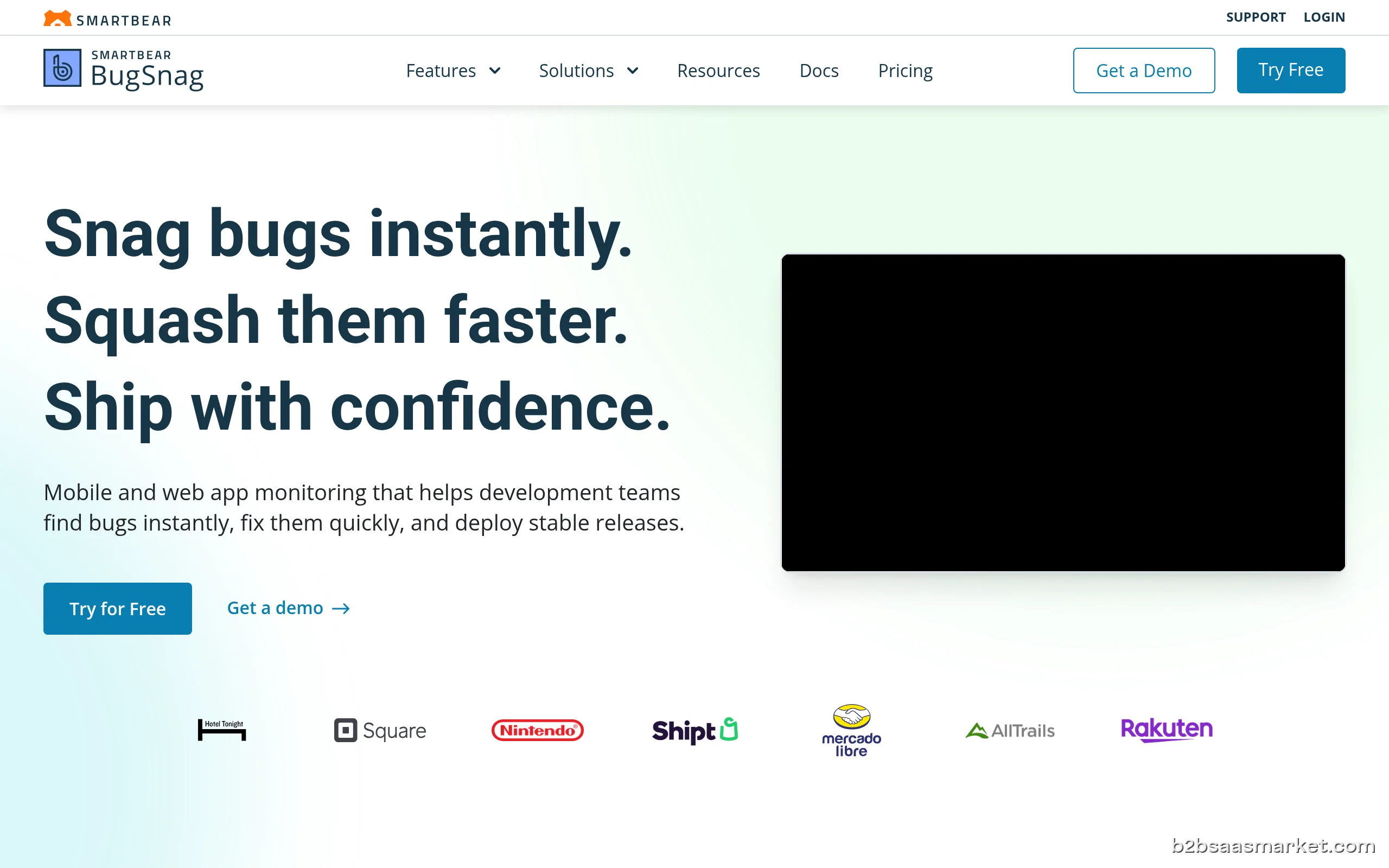
Bugsnag is a robust error monitoring tool designed to help developers identify and fix stability issues in their applications. With real-time error tracking and insightful diagnostics, Bugsnag enables teams to improve application reliability and user experience. It's ideal for software development teams looking to enhance their debugging process and maintain high-quality software.
Bugsnag Review
Bugsnag is a powerful error monitoring solution that helps developers track and fix issues in their applications efficiently. By providing real-time error reporting and detailed diagnostics, Bugsnag empowers teams to enhance application stability and improve user experience. The tool seamlessly integrates into existing workflows, allowing developers to focus on building great software while Bugsnag takes care of identifying issues as they arise.
Who It's For
Bugsnag is ideally suited for development teams, product managers, and software engineers across various industries. Whether you are a startup or an established enterprise, Bugsnag can adapt to your needs by offering an intuitive interface and insightful data that help teams address errors swiftly. Companies that prioritize application performance and user satisfaction will find Bugsnag to be an invaluable asset.
Core Functionality
At its core, Bugsnag provides real-time error monitoring and detailed crash reports that include contextual information about the environment in which the error occurred. The platform allows users to categorize and prioritize errors, enabling teams to focus on resolving the most critical issues first. Bugsnag’s stability score provides a quantitative measure of application health, helping teams track improvements over time. Additionally, it offers integrations with popular collaboration tools, making it easy to incorporate into existing workflows.
Business Benefits
Implementing Bugsnag can lead to significant business benefits, including improved application reliability and enhanced user satisfaction. By proactively addressing errors, companies can minimize downtime and reduce the impact on customers. This not only leads to a better user experience but can also foster customer loyalty. Furthermore, Bugsnag’s detailed reporting helps development teams increase productivity by reducing the time spent on debugging and allowing them to focus on feature development.
Conclusion/Verdict
In conclusion, Bugsnag stands out as a leading error monitoring tool that effectively meets the needs of modern development teams. Its comprehensive features, real-time insights, and user-friendly interface make it an essential tool for anyone looking to enhance application stability and user experience. If your organization values software quality and user satisfaction, Bugsnag is definitely worth considering.
Key Features
- Real-time error monitoring and alerts
- Detailed error reports with context information
- Stability score for tracking application health
- Integration with collaboration and project management tools
- Customizable dashboards and reporting
- Automatic grouping of similar errors
- User segmentation for targeted error tracking
- Robust API for custom integrations
Bugsnag Use Cases
- A development team uses Bugsnag to identify and fix errors in their mobile application before release.
- Product managers leverage Bugsnag's stability score to demonstrate application health to stakeholders.
- A startup integrates Bugsnag into their CI/CD pipeline to catch errors during the development process.
- Customer support teams use Bugsnag data to understand user-reported issues more effectively.
- An enterprise team prioritizes error resolution based on the impact score provided by Bugsnag.
Bugsnag Pros & Cons
- Real-time error tracking allows developers to promptly address issues as they arise.
- Detailed crash reports provide context about errors, helping teams diagnose and fix problems quickly.
- Stability score gives teams a clear picture of application health and performance over time.
- Seamless integration with popular tools like Slack, Jira, and GitHub enhances workflow efficiency.
- User-friendly interface makes it easy for developers of all skill levels to adopt the tool.
- Customizable dashboards allow teams to focus on the metrics that matter most to them.
- Robust API enables easy integration with existing systems and custom workflows.
- Might be overwhelming for small teams with limited technical expertise due to its extensive features.
- Pricing can be on the higher side for startups or smaller companies with tight budgets.
- Limited offline capabilities; requires an internet connection for full functionality.
- Some users report challenges with the initial setup and configuration process.
- Advanced features may require additional training to maximize their potential.
Frequently Asked Questions
Bugsnag is an error monitoring tool that provides developers with real-time insights into application stability and performance. It helps teams identify, prioritize, and fix errors quickly, enhancing user experience and application reliability.
Bugsnag offers seamless integrations with a variety of collaboration and project management tools, including Slack, Jira, and GitHub. This allows teams to incorporate error tracking into their existing workflows easily.
Yes, Bugsnag supports error monitoring for both web and mobile applications, making it a versatile solution for development teams working across different platforms.
Yes, Bugsnag offers a free trial that allows users to explore its features and functionalities before making a commitment.
Bugsnag provides support through various channels, including email, live chat, and a comprehensive knowledge base to assist users with any questions or issues they may encounter.
By identifying and prioritizing errors in real-time, Bugsnag enables development teams to address issues quickly, thus improving overall application performance and user satisfaction.
Bugsnag typically follows a paid pricing model, with various plans based on features and usage levels to accommodate different sizes of teams and organizations.
Quick Info
- Category Developer Tools
- Free Trial Yes
- Trial Period 30 days
- API Available Yes
- Deployment Cloud
Company Info
- Company Bugsnag, Inc.
- Founded 2012
- Headquarters San Francisco, United States
- Employees 51-200
 More tools from United States →
Target Audience
Bugsnag is designed for software development teams, product managers, and organizations focused on delivering high-quality applications. Its features are tailored for those who prioritize application reliability and user satisfaction, making it suitable for both startups and large enterprises.
Platforms