Developer Tools
Compare the best developer tools tools. Read reviews, compare features and pricing.


Raycast
Developer productivity
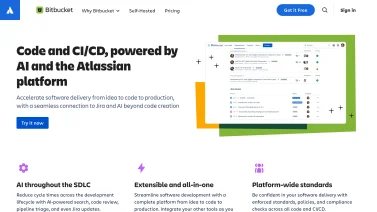

Bitbucket
Git code management


Supabase
Open source Firebase


Coolify
Empower Your Self-Hosting Experience
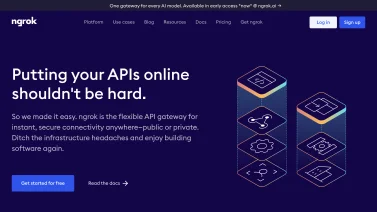

ngrok
Unified ingress platform
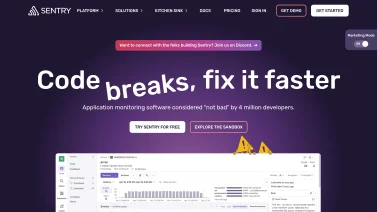

Sentry
Error tracking


Netlify
Web development platform


GitHub
Code hosting


Upstash Redis
Serverless Redis
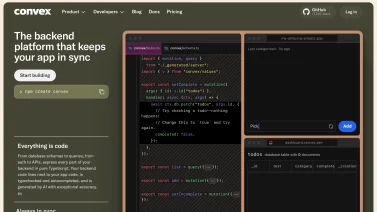

Convex
The fullstack TypeScript development platform


Bugsnag
Error monitoring and stability


Directus
Open data platform for any SQL database
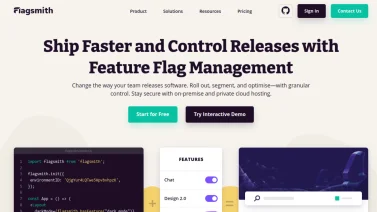

Flagsmith
Open source feature flag management
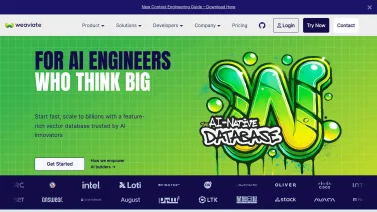

Weaviate
Your go-to open source vector database
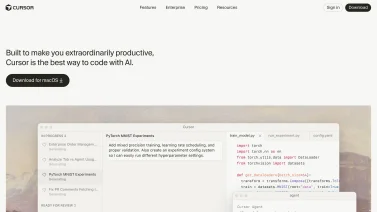

Cursor
Revolutionize Your Coding Experience with AI


StepZen
Effortless GraphQL APIs for Modern Development
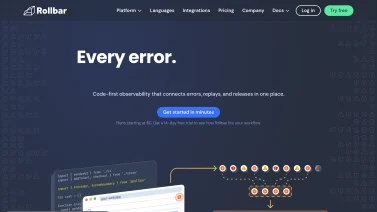

Rollbar
Real-time error tracking and debugging made easy.
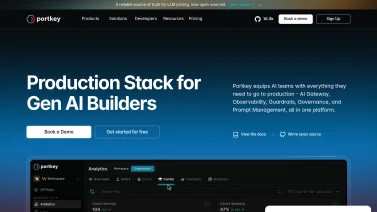

Portkey
Optimizing Your LLMOps Experience


Bytescale
Streamline Your File Handling with Bytescale API
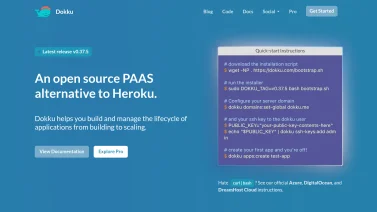

Dokku
Streamlined app deployment made easy.
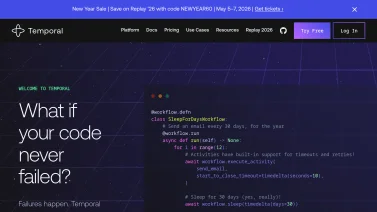

Temporal
Build resilient workflows effortlessly


Porter
Effortless application management with Kubernetes.
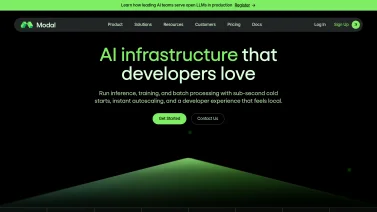

Modal
Run your code effortlessly in the cloud


ReadMe
Transform your API docs into a delightful experience


Merge
Simplify your integrations with Merge API


Appwrite
Build like a team of hundreds
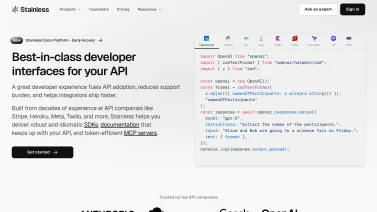

Stainless
Your ultimate API toolkit for seamless integration


Storyblok
Empower Your Content with Headless CMS


Uploadthing
Effortless file uploads for every web app


Zuplo
Effortless API Management for Developers
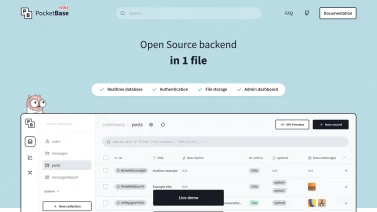

PocketBase
Effortless backend for modern apps.


Fern
Effortlessly Create SDKs and Documentation


Checkly
Monitor APIs and E2E applications seamlessly.
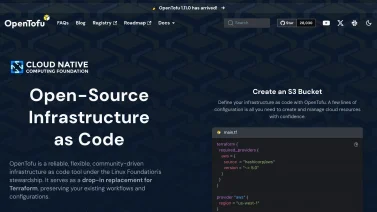

OpenTofu
Empower your infrastructure with open-source flexibility
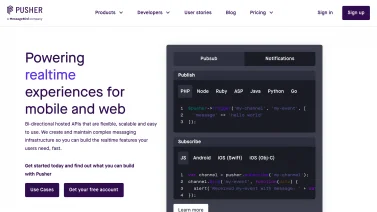

Pusher
Transform your app with real-time features
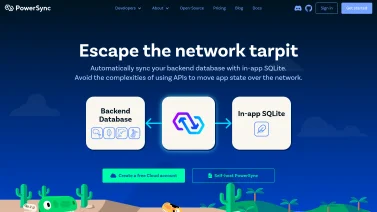

PowerSync
Seamless offline-first synchronization for Postgres


Sourcegraph
Empowering developers with code insights.
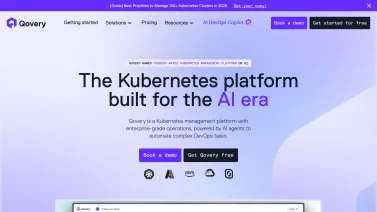

Qovery
Streamline Your Cloud Deployments with Ease
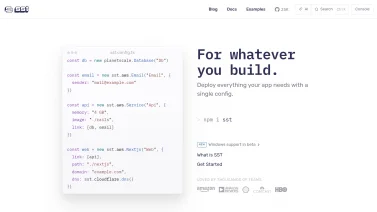

SST
Build full-stack apps seamlessly on AWS


Gitpod
Seamless cloud development for teams.
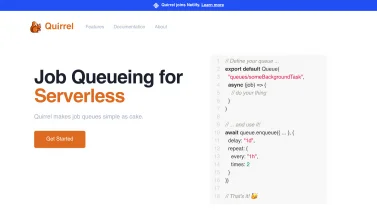

Quirrel
Effortless job queueing for serverless applications
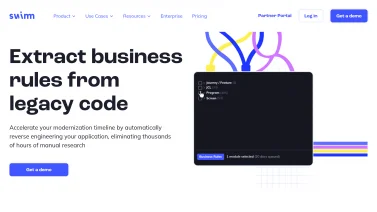

Swimm
Streamline your code documentation with AI
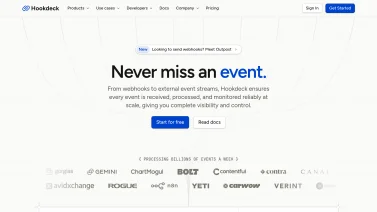

Hookdeck
Your reliable webhook infrastructure solution


Polar
Funding and monetization for developers


SurrealDB
Unlock the Power of Multi-Model Databases


Gitness
Seamless code hosting and CI/CD integration.


Docusaurus
Build optimized websites quickly


Resend
Email solutions crafted for developers
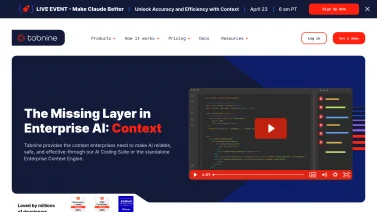

Tabnine
Your AI-powered code companion
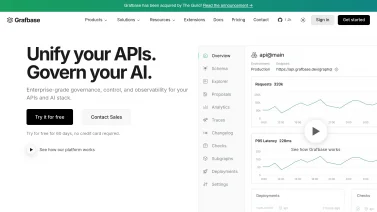

Grafbase
Your GraphQL Backend Made Easy
Developer Tools Transform Modern Software Development
Developer tools have evolved from basic text editors to comprehensive ecosystems that span the entire software development lifecycle from coding through deployment and monitoring. Modern development platforms consolidate version control, code collaboration, continuous integration, debugging, and performance monitoring into integrated environments that streamline how software teams build, test, and ship code. The transformation from isolated command-line tools to interconnected platforms reflects the complexity of contemporary software development and the need for coordination across distributed teams and multiple deployment environments.
Development tools extend far beyond code editing to become strategic infrastructure that influences team productivity, code quality, and application reliability. By automating routine tasks, providing intelligent code assistance, and enabling seamless collaboration, modern developer tools enable software teams to focus on solving business problems rather than managing tooling complexity. Organizations implementing sophisticated development platforms report faster development cycles, higher code quality, reduced bugs reaching production, and improved team productivity.
Core Developer Tool Categories and Capabilities
Modern development workflows rely on a suite of interconnected tools that streamline every stage of software creation, from writing and testing code to managing changes and sharing knowledge. Understanding how these categories interact helps teams select solutions that enhance productivity, maintain code quality, and support reliable delivery pipelines.
Code Editors and Integrated Development Environments
Modern code editors and IDEs provide powerful environments for writing, testing, and debugging code. Intelligent code completion suggests code patterns and function parameters as developers type. Real-time error detection identifies syntax errors and potential bugs before code is executed. Built-in terminal integration enables running commands without switching applications. Extension ecosystems enable customizing editor capabilities for specific programming languages and frameworks. Debugging capabilities enable setting breakpoints, inspecting variables, and stepping through code execution. These editing capabilities significantly accelerate development by reducing typing effort and catching errors early.
Version Control and Code Collaboration
Git and other version control systems enable tracking code changes, coordinating team contributions, and maintaining complete project history. Distributed version control enables developers to work offline and sync changes asynchronously. Branching capabilities enable parallel development on different features without conflicts. Pull request workflows enable code review before changes are merged, ensuring quality and enabling knowledge sharing. Merge conflict resolution tools help teams integrate divergent changes. History and blame features enable understanding why code was written and who made changes. These version control capabilities are fundamental to team development, enabling coordination without overwriting each other's work.
Continuous Integration and Continuous Deployment
CI/CD platforms automate testing and deployment, ensuring code quality and enabling rapid iteration. Automated testing runs comprehensive test suites whenever code is committed, catching regressions early. Build automation compiles code and packages applications for deployment. Deployment automation deploys tested code to staging and production environments. Pipeline orchestration coordinates complex sequences of build, test, and deployment steps. Rollback capabilities enable reverting deployments if issues are detected. These automation capabilities reduce manual work, improve consistency, and enable deployments multiple times per day with confidence.
Debugging and Error Tracking
Debugging tools enable identifying and fixing code issues efficiently. IDE debuggers enable setting breakpoints, inspecting program state, and stepping through execution. Performance profilers identify code sections consuming excessive resources. Memory analysis tools identify memory leaks and excessive memory usage. Error tracking platforms collect crashes and exceptions from production applications. Real-time alerting notifies teams when errors occur in production. Detailed error context including stack traces, user actions, and system state enables rapid diagnosis. These debugging capabilities reduce the time required to identify and fix issues.
API Testing and Monitoring
API testing tools enable validating that APIs function correctly and respond reliably. Request builders enable constructing complex API requests without coding. Response validation verifies that responses match expected format and values. Automated testing enables running tests on schedules or triggered by events. Performance monitoring tracks API response times and identifies performance degradation. Uptime monitoring confirms APIs are accessible and functioning. Alert notifications notify teams when APIs become unavailable or performance degrades. These testing and monitoring capabilities ensure APIs remain reliable and responsive.
Documentation and Knowledge Sharing
Documentation tools enable capturing institutional knowledge and communicating system architecture. API documentation generators automatically create documentation from code. Architecture diagrams document system design and component relationships. Wiki and documentation platforms enable organizing knowledge. Inline code documentation with comments explains complex logic. Runbooks document operational procedures for deployment and incident response. Knowledge base platforms enable search and discovery of solutions to common problems. These documentation capabilities enable team members to understand systems and accelerate onboarding.
Key Benefits of Modern Developer Tools
Modern developer tools bring together automation, integration, and intelligent assistance to transform how software is built. By streamlining repetitive tasks, they free developers to focus on creative problem solving, while built-in analysis and collaboration features raise code standards and accelerate delivery. These capabilities collectively boost productivity, quality, teamwork, speed, security, and debugging efficiency.
Increased Developer Productivity
Modern developer tools accelerate development through automation and intelligent assistance. Code completion reduces typing and accelerates development. Version control enables reverting changes if mistakes occur, reducing fear of experimentation. Automated testing catches bugs early when they are cheaper to fix. Continuous deployment enables shipping code minutes after development, accelerating feedback cycles. These productivity improvements typically result in developers completing features faster and with fewer bugs.
Improved Code Quality
Developer tools improve code quality through multiple mechanisms. Linters identify style violations and potential bugs automatically. Type checking catches type errors before runtime. Automated testing ensures code behaves correctly. Code review workflows enable catching issues before deployment. Performance profiling identifies inefficient code. Security scanning identifies vulnerable dependencies. These quality assurance mechanisms result in more reliable code reaching production.
Better Team Collaboration
Developer tools break down collaboration barriers by providing shared environments and workflows. Version control enables multiple developers working on the same codebase simultaneously. Code review workflows enable asynchronous feedback. Discussion threads on pull requests enable context-specific communication. Issue tracking enables coordinating on bugs and features. These collaboration capabilities enable teams to work together effectively regardless of location.
Reduced Time to Production
Automation throughout the development pipeline accelerates time from code commit to production deployment. Automated builds eliminate manual compilation steps. Automated testing ensures quality without manual QA. Automated deployment eliminates manual deployment steps and associated errors. These automation capabilities enable shipping code to production multiple times daily with confidence.
Enhanced Security and Compliance
Developer tools support security throughout the development process. Dependency scanning identifies vulnerable libraries. Secret detection prevents accidentally committing credentials. Static analysis identifies security vulnerabilities. Container scanning ensures container images are secure. Audit logging tracks who made changes and when. These security capabilities help organizations maintain secure applications.
Reduced Debugging Time
Developer tools accelerate issue identification and resolution. Production error tracking provides immediate notification of issues. Detailed error context including stack traces and user actions reduces diagnosis time. Local debuggers enable stepping through code to understand behavior. Performance profilers identify performance issues. These debugging capabilities reduce time developers spend diagnosing and fixing issues.
Developer Tool Categories and Specializations
Understanding the spectrum of developer tool categories helps teams align technology choices with project goals, from end-to-end application building to specialized language support, operational automation, and service interface design. Each specialization addresses distinct workflow stages, enabling smoother collaboration, faster iteration, and more reliable delivery pipelines.
Full-Stack Development Platforms
Comprehensive development platforms integrate code editing, version control, CI/CD, and deployment. These platforms enable managing entire development workflows within single systems. Integrated platforms typically reduce context-switching and simplify tool management. These platforms are ideal for teams seeking unified development environments.
Language-Specific Tools
Some developer tools specialize in specific programming languages or frameworks. Language-specific tools typically provide superior capabilities for target languages including language-specific debugging and performance optimization. These specialized tools are ideal for teams focused on specific technology stacks.
Infrastructure and DevOps Tools
Infrastructure tools enable managing cloud resources and deployment infrastructure. Container platforms enable packaging applications for consistent deployment across environments. Orchestration platforms manage container deployment at scale. Infrastructure-as-code tools enable defining infrastructure using configuration files. Monitoring platforms track application and infrastructure health. These infrastructure tools are essential for managing modern cloud-native applications.
API Development Tools
Specialized API tools address unique requirements of API development. API design platforms enable planning APIs before implementation. API testing tools validate API functionality. API monitoring platforms track API performance and reliability. API gateway tools manage API access and security. These specialized tools enable building reliable, secure APIs.
Current Trends in Developer Tools
The landscape of developer tools is evolving rapidly, driven by advances that streamline coding, simplify deployment, and deepen insight into application performance. Modern solutions blend intelligent assistance, visual development environments, cloud-centric workflows, and comprehensive observability, enabling teams to build and maintain software with greater speed, flexibility, and confidence.
AI-Powered Code Assistance
Artificial intelligence is rapidly transforming coding capabilities. AI-powered code completion generates entire functions from comments. Code generation from natural language descriptions enables rapid prototyping. AI code review suggests improvements to code. Bug prediction identifies likely issues before testing. These AI capabilities are accelerating development by automating routine coding tasks.
Low-Code and No-Code Platforms
Platforms enabling visual development without extensive coding are becoming increasingly sophisticated. Low-code platforms enable developers to build applications faster by reducing boilerplate code. No-code platforms enable non-developers to build applications. These platforms are democratizing development and accelerating application delivery.
Cloud-Native Development
Development tools increasingly emphasize cloud-native development patterns. Container-first development enables consistent deployment across environments. Kubernetes adoption is accelerating container orchestration. Serverless platforms enable running code without managing infrastructure. Microservices patterns enable building scalable applications. These cloud-native approaches enable building scalable, resilient applications.
Enhanced Observability and Monitoring
Development tools increasingly emphasize observability enabling deep understanding of application behavior. Distributed tracing enables tracking requests across microservices. Metrics collection provides quantitative performance data. Log aggregation centralizes log data. Alert automation notifies teams of issues automatically. These observability capabilities enable maintaining reliable applications.
Selecting Appropriate Developer Tools
Choosing the right developer tools requires balancing technical needs with practical constraints, ensuring that the selected suite aligns with the project's architecture while remaining accessible to the team. Consider how each option fits within existing workflows, supports required languages and frameworks, and adapts to future growth without imposing unnecessary complexity.
Assessing Technology Stack Requirements
Selecting developer tools requires understanding technology stack and development patterns. Organizations should evaluate primary programming languages, frameworks, and deployment platforms. Tools should provide first-class support for selected technologies rather than requiring workarounds. Pilot implementations enable evaluating functionality and integration before full adoption.
Team Skill Level and Learning Curve
Evaluate tools' learning curves and alignment with team expertise. Tools with gentle learning curves enable rapid adoption. Extensive documentation and community support ease adoption. Tools that match team existing knowledge reduce training overhead. Tools requiring extensive training may justify investment for larger teams but may be inefficient for smaller teams.
Integration with Existing Tools
Evaluate new tools' ability to integrate with existing development infrastructure. Strong integration with version control, CI/CD, and monitoring systems is essential. Organizations should understand API capabilities enabling custom integrations with specialized tools. Pre-built integrations reduce implementation complexity.
The Future of Developer Tools
Developer tools will continue evolving toward greater intelligence, improved collaboration, and deeper integration with business systems. Artificial intelligence will increasingly automate coding tasks. Voice interfaces may enable new ways of interacting with code. Integration with business systems will provide development teams with business context. Developer experience will continue improving as tools mature. Organizations prioritizing developer tools investment position themselves to compete effectively in increasingly software-driven markets.
Modern developer tools represent essential business infrastructure that directly impacts software quality, development speed, and team productivity. By automating routine tasks, providing intelligent assistance, and enabling seamless collaboration, developer tools enable software teams to focus on solving business problems. Organizations selecting appropriate tools and implementing them effectively gain significant competitive advantages through faster delivery, higher quality, and improved team satisfaction.
Frequently Asked Questions
Developer Tools software provides a set of applications and services that help programmers write, test, debug, and deploy code more efficiently. It includes integrated development environments, version control systems, build automation, performance monitoring, and collaboration platforms. These tools streamline the development workflow, reduce manual errors, improve code quality, and enable teams to release updates faster. Choosing the right combination supports scalability, maintains consistency, and aligns with the organization's technology strategy.
Buyers should focus on language and framework support, because broad compatibility reduces the need for multiple tools. Integrated debugging and profiling help identify issues quickly, while automated testing and continuous integration features streamline release cycles. Collaboration tools such as shared repositories and code review workflows improve team efficiency. Extensibility through plugins or APIs allows the environment to grow with project needs. Security controls, including access management and vulnerability scanning, protect code and data throughout development.
Developer Tools sit alongside existing platforms by providing APIs, plugins, and automation hooks that connect to version control, CI/CD pipelines, and monitoring solutions. They enable code to be built, tested, and deployed in sync with project management, cloud services, and security tools, creating a seamless workflow. Integration points are typically configurable, allowing teams to align development activities with broader IT operations without disrupting current processes.
Teams often underestimate the learning curve, leading to low usage and fragmented workflows. Skipping a pilot phase can expose integration gaps with existing code repositories or CI pipelines. To avoid these issues, start with a small, cross-functional pilot, provide focused training, and define clear success criteria. Regularly gather feedback, adjust configurations early, and align the toolset with established development standards.