
Cursor is an AI-first code editor designed to enhance developers' productivity and streamline coding processes.
Cursor Review
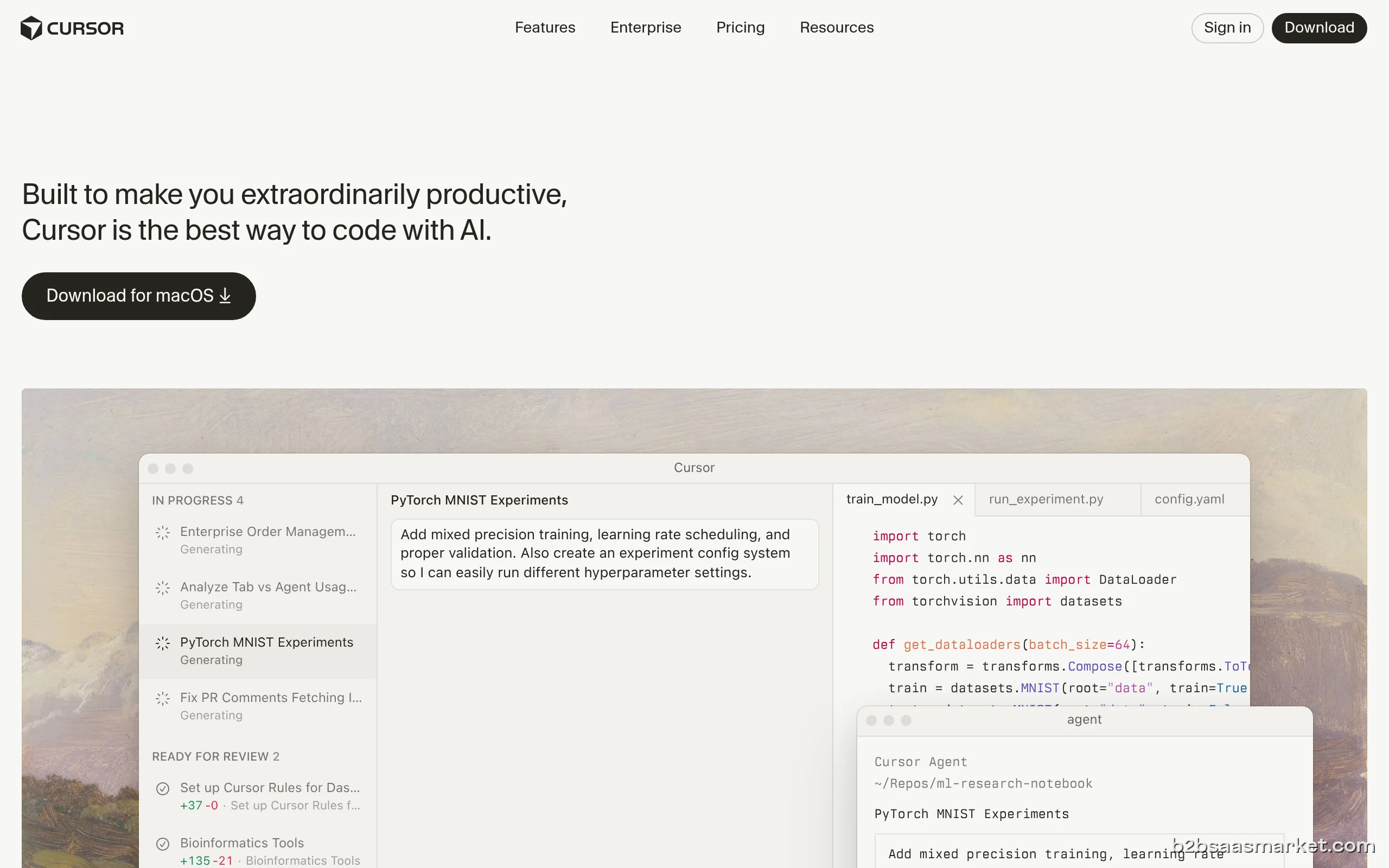
Cursor is an innovative AI-first code editor that empowers developers to write code faster and more efficiently. By leveraging advanced AI technology, Cursor enhances the coding experience, making it easier to manage complex projects and collaborate with teams.
Who It's For
Cursor is ideal for software developers, engineers, and teams looking to boost productivity and streamline their coding workflows. Whether you're a freelancer, part of a startup, or working in a large enterprise, Cursor has the tools to meet your needs.
Core Functionality
Cursor offers a range of powerful features including intelligent code suggestions, real-time collaboration, and seamless integration with popular development tools. Its AI-driven capabilities help catch bugs early, suggest optimizations, and automate repetitive tasks, allowing developers to focus on writing high-quality code.
Business Benefits
By using Cursor, businesses can expect significant ROI through reduced development time and improved code quality. The collaborative features enable teams to work together more effectively, minimizing bottlenecks and enhancing overall productivity.
In conclusion, if you are looking to improve your coding efficiency and take advantage of AI-driven tools, Cursor is the perfect choice for developers and teams alike.
Key Features
- Intelligent code suggestions
- Real-time collaboration
- Version control integration
- Customizable themes
- Code refactoring tools
- Multi-language support
Cursor Use Cases
- Collaborative coding
- Bug fixing and optimization
- Learning new programming languages
- Managing large codebases
Cursor Pros & Cons
- AI-driven code suggestions
- Real-time collaboration
- Supports multiple programming languages
- Seamless integration with development tools
- User-friendly interface
- Limited offline capabilities
- Some features may require learning curve
- Potential performance issues with large projects
Integrations
User Reviews
I have been using Cursor for my day-to-day tasks for a few months, and I have seen a noticeable improvement in the product almost constantly. Their Plans are very generous in the amount of use they provide. I would absolutely recommend Curosr to anyone from Freancers to entire software houses
Vibe coding is not the problem, are the mediocre parasite companies like cursor providing services that dont work.Stay away.
Frequently Asked Questions
Cursor is an AI-first code editor designed to enhance coding productivity.
Software developers and teams looking to streamline their coding processes.
Features include intelligent code suggestions, real-time collaboration, and version control integration.
Cursor operates on a freemium model, offering both free and paid plans.
Yes, Cursor integrates with popular development tools and platforms.
Yes, Cursor offers a 14-day free trial.
Quick Info
- Category Developer Tools
- Rating 3.4/5
- Free Trial Yes
- Trial Period 14 days
- API Available Yes
- Deployment Cloud


Mobile Apps
Company Info
- Company Cursor
- Founded 2020
- Headquarters San Francisco, United States
 More tools from United States →
Target Audience
Ideal for software developers, teams, and companies aiming to enhance their coding efficiency and collaboration.
Platforms
