
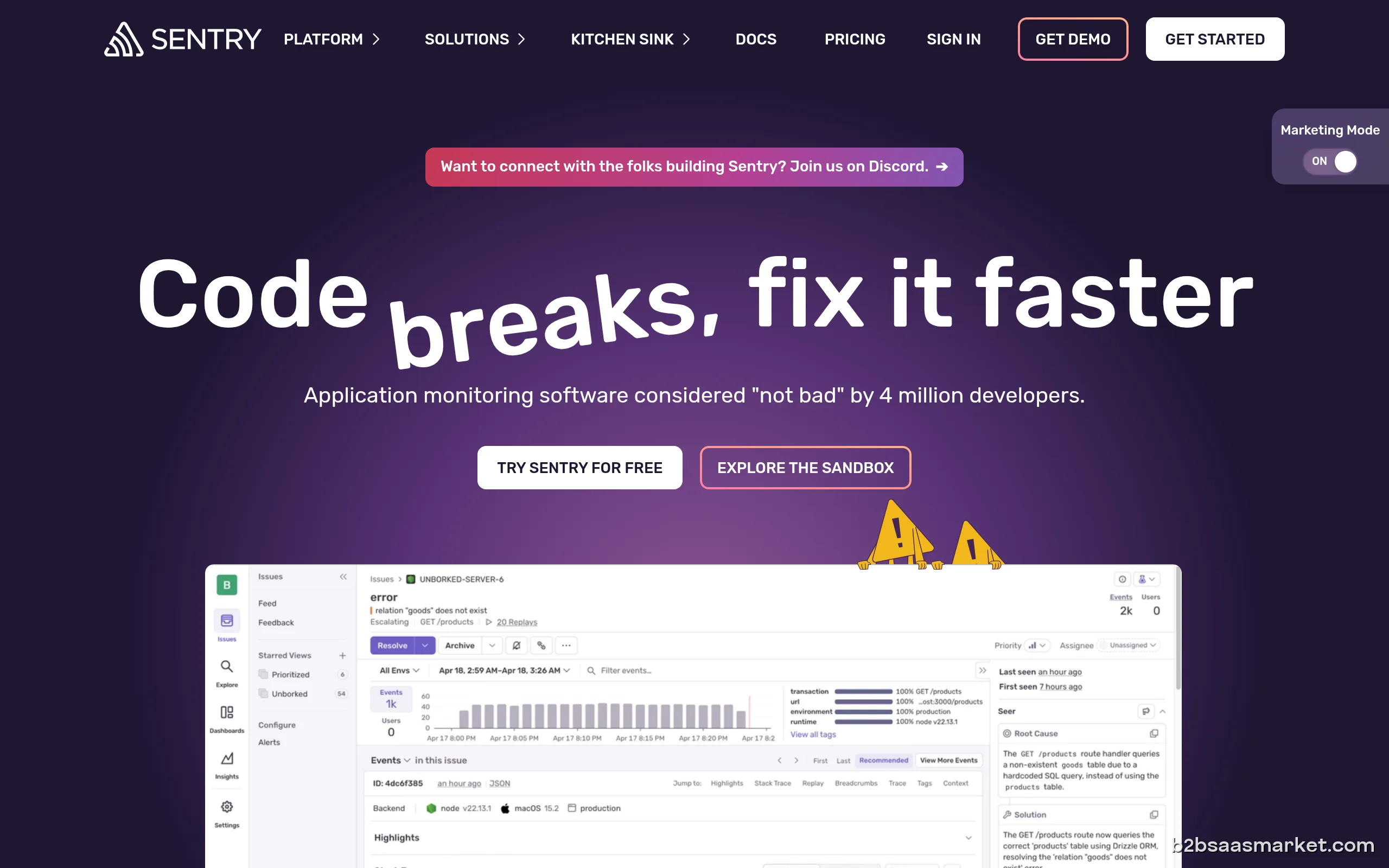
Sentry is an advanced error tracking tool designed for developers to monitor and fix crashes in real-time. It helps teams identify issues in their applications quickly, improving overall software quality. Ideal for development teams of all sizes, Sentry enhances debugging capabilities and fosters a quicker resolution process.
Sentry Review
Sentry provides an essential service for developers, allowing them to track, manage, and resolve errors in their software applications seamlessly. By capturing and reporting errors in real-time, Sentry enables teams to gain insights into the issues that affect their users, allowing them to respond proactively rather than reactively. The tool integrates with numerous programming languages and frameworks, making it a versatile choice for developers seeking to improve their software reliability.
Who It's For
Designed for software development teams across various industries, Sentry is particularly beneficial for those who prioritize application performance and user experience. Whether a startup or a large enterprise, any organization that relies on software to deliver value can benefit from Sentry's capabilities. Its intuitive interface and powerful analytics make it accessible for both seasoned developers and those new to error tracking.
Core Functionality
Sentry's core functionality revolves around its ability to capture errors and exceptions from applications in real-time. It aggregates these errors, providing developers with detailed reports that include stack traces, user context, and environment details. This information is crucial for diagnosing issues quickly. Additionally, Sentry offers performance monitoring features, allowing teams to track application speed and health metrics, ensuring they can address performance bottlenecks alongside error resolution.
Business Benefits
Implementing Sentry can lead to significant business benefits, including enhanced software reliability and improved user satisfaction. By reducing the time spent on debugging and fixing issues, development teams can focus on delivering new features and enhancements, ultimately increasing their productivity. Furthermore, with real-time error tracking, businesses can maintain a higher standard of quality, which is vital for retaining users and driving growth in competitive markets.
Conclusion/Verdict
In conclusion, Sentry stands out as a powerful tool for developers looking to streamline their error tracking and resolution processes. Its comprehensive features and user-friendly interface make it an excellent choice for teams seeking to improve their software quality and performance. While there may be other tools available, Sentry's robust capabilities and integrations make it a leader in the error tracking space, ensuring that development teams can deliver the best possible experience for their users.
Key Features
- Real-time error reporting and notifications
- Detailed stack traces for easier debugging
- User context and environment data collection
- Performance monitoring for applications
- Integration with popular development frameworks
- Customizable alerting and notification settings
- Support for multiple programming languages
- Collaboration tools for team communication on issues
Sentry Use Cases
- A software development team uses Sentry to track errors in their web application, allowing them to identify and resolve issues before they impact users.
- An e-commerce platform employs Sentry to monitor performance and stability, ensuring a seamless shopping experience for customers.
- A startup integrates Sentry into their mobile application development process to enhance debugging efficiency and speed up time to market.
- A large enterprise uses Sentry to manage errors across multiple applications, consolidating error tracking in one centralized platform.
- A gaming company utilizes Sentry to monitor game stability and user experience, addressing bugs quickly to retain player engagement.
Sentry Pros & Cons
- Real-time error tracking and reporting for immediate insights.
- Detailed error context, including stack traces and user data.
- Supports multiple programming languages and frameworks.
- User-friendly interface that simplifies navigation and usage.
- Integrates seamlessly with popular development tools and platforms.
- Performance monitoring features to track application health.
- Customizable alerts to keep teams informed of critical issues.
- Can be overwhelming for smaller teams due to extensive features.
- Pricing may increase significantly with higher usage.
- Learning curve for users who are new to error tracking tools.
- Limited offline capabilities for tracking errors without internet access.
Pricing
Free trial available (90 days)
User Reviews
Reached out to customer support & they implemented the feature we needed - as a free client! What an amazing support team. Been using sentry for all of our software for 3 months now and it had help us uncover a lot of silent bugs or those people won't bother to report.Amazing support, extremely easy to integrate their APIs, clean UI. 10/10 recommended.
Tried sentry on a nest/next application and doesn't work for Next. Tried to get support, but I got only a bureaucratic answer without any solution and no further responses, tried a lot of configurations and responses from many AI but nothing works for profiling. It is just a waste of time and resources.
Frequently Asked Questions
Sentry is an error tracking tool designed for developers to monitor and fix crashes in real-time. It provides insights into application errors, helping teams improve software quality.
Sentry captures error data, including stack traces and user context, which allows developers to diagnose and resolve issues quickly, reducing downtime and improving user experience.
Sentry supports a wide range of programming languages including JavaScript, Python, Ruby, PHP, Java, and many more, making it versatile for various development environments.
Yes, Sentry integrates with numerous development tools and platforms such as GitHub, Slack, Jira, and more, allowing for streamlined workflows and communication.
Sentry offers a free tier with limited features, ideal for small projects or individual developers to get started with error tracking.
Alongside error tracking, Sentry provides performance monitoring features that allow users to track application speed, latency, and bottlenecks, ensuring optimal performance.
Sentry provides user support through various channels including a knowledge base, community forum, and email support for premium customers.
Quick Info
- Category Developer Tools
- Rating 3.2/5
- Free Trial Yes
- Trial Period 90 days
- API Available Yes
- Deployment Cloud

Community
Mobile Apps
Company Info
- Company Sentry
- Founded 2012
- Headquarters San Francisco, United States
- Employees 201-500
 More tools from United States →
Target Audience
Sentry is ideal for software development teams of all sizes, particularly those in tech-driven industries. Companies focused on delivering high-quality software products will find Sentry's error tracking capabilities invaluable for maintaining user satisfaction and operational efficiency.
Platforms