
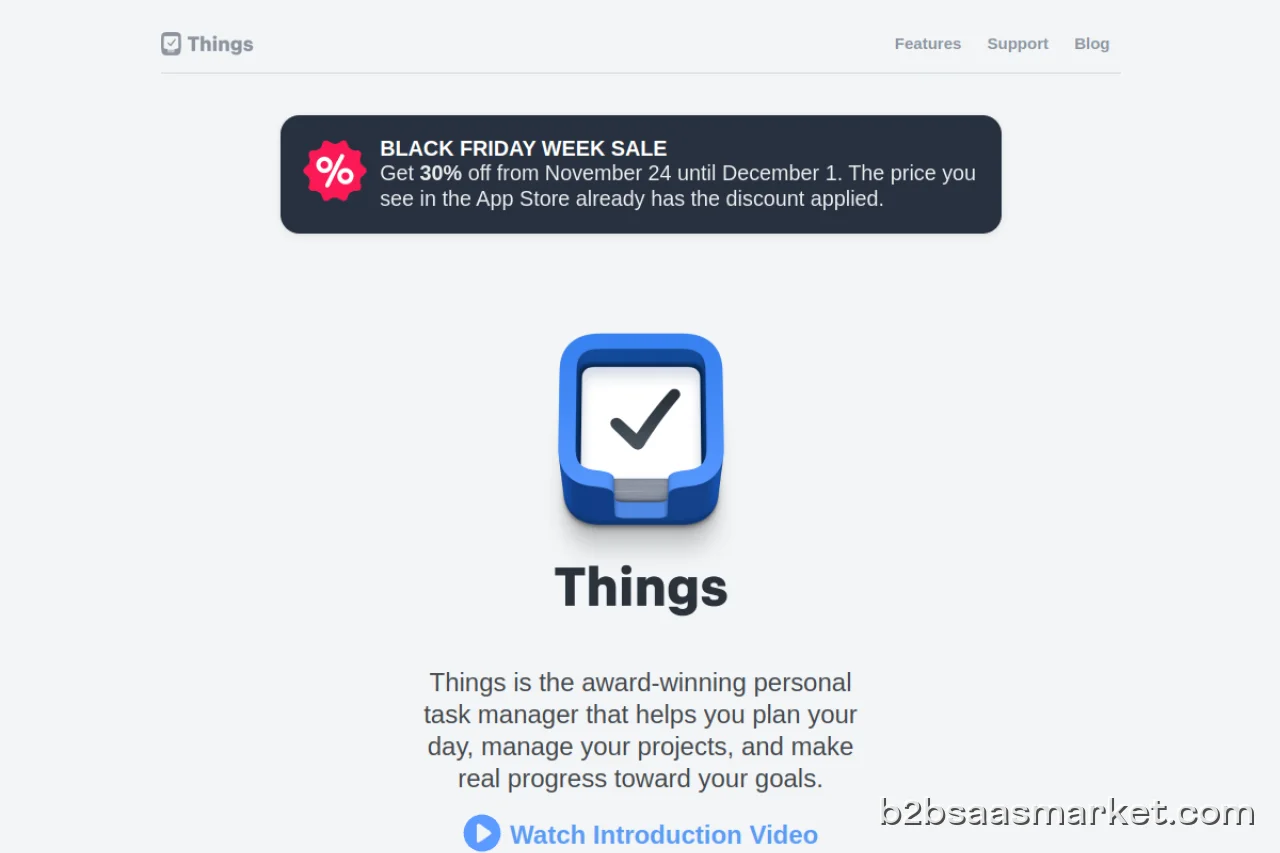
Things is a powerful personal task manager designed to help individuals and teams streamline their productivity. With its intuitive interface and robust features, it allows users to organize and prioritize tasks efficiently. Ideal for professionals, freelancers, and anyone looking to enhance their task management skills.
Things Review
Things is a personal task manager that stands out in the crowded marketplace of productivity applications. Its elegant design and straightforward functionality make it a go-to choice for individuals seeking to master their daily tasks. Whether you are managing a complex project or simply keeping track of daily chores, Things provides a seamless experience that enhances focus and productivity.
Who It's For
Things is tailored for professionals, freelancers, and anyone looking to improve their task management skills. Its intuitive interface appeals to users who appreciate simplicity without sacrificing functionality. From busy executives juggling multiple responsibilities to creative individuals managing various projects, Things caters to a diverse range of users, helping them stay organized and on track.
Core Functionality
The core functionality of Things revolves around its task management capabilities. Users can easily create tasks, set deadlines, and categorize them to suit their needs. The application also supports recurring tasks, which is particularly beneficial for those with regular commitments. The user-friendly interface allows for quick navigation through projects and tasks, enabling users to focus on what matters most. Additionally, Things integrates with calendars, ensuring that tasks align with other commitments.
Business Benefits
By using Things, individuals can experience a significant boost in productivity. The application helps users prioritize tasks effectively, ensuring that critical deadlines are met. Furthermore, the visual organization of tasks reduces the chances of overlooking important items, leading to better time management. The ability to break down larger projects into manageable tasks fosters a sense of accomplishment as users check off completed items. This not only enhances productivity but also contributes to improved mental well-being, as users gain clarity and control over their workload.
Conclusion/Verdict
In conclusion, Things is a remarkable personal task manager that excels in providing a user-friendly experience while maintaining powerful functionality. Its design caters to a wide audience, making it suitable for anyone looking to enhance their productivity. While it may not offer some advanced features found in other project management tools, its simplicity and effectiveness make it a worthwhile investment for individuals aiming to stay organized. For anyone overwhelmed by their tasks, Things offers a refreshing solution to regain control and boost productivity.
Key Features
- Task creation with deadlines and reminders
- Project organization with categories and tags
- Support for recurring tasks
- Calendar integration for scheduling
- Focus mode to minimize distractions
- Cross-device syncing for accessibility
- Customizable task views for individual preferences
- Quick entry for adding tasks efficiently
Things Use Cases
- A freelancer managing multiple client projects can categorize tasks by client for better organization.
- A busy executive can set recurring tasks for weekly meetings and deadlines.
- A student can use the app to track assignments and project due dates.
- A parent can manage home chores by creating a shared task list with family members.
- A creative professional can break down a large project into smaller, manageable tasks.
Things Pros & Cons
- Intuitive and user-friendly interface that simplifies task management.
- Robust organizational features including project categories and tags.
- Support for recurring tasks makes it easy to manage regular commitments.
- Integrates seamlessly with calendars for better scheduling.
- Visually appealing design enhances user experience.
- Offers a focus mode that helps minimize distractions.
- Cross-platform availability ensures access from various devices.
- Lacks advanced collaboration features for team projects.
- No built-in time tracking for tasks.
- Limited integrations with third-party tools compared to competitors.
- Primarily designed for individual use, which may not suit team dynamics.
- Pricing may be higher compared to other task management tools.
Integrations
Frequently Asked Questions
Things is a personal task manager designed to help users organize and prioritize their tasks effectively. It features an intuitive interface that enhances productivity for individuals and teams.
Yes, Things is available on Mac, iOS, and Apple Watch, ensuring that users can access their tasks from various devices.
Absolutely! Things offers cross-device syncing, allowing users to access and manage their tasks seamlessly on different devices.
Yes, Things allows users to set up recurring tasks, making it easy to manage regular commitments and deadlines.
Yes, Things offers a free trial, allowing users to explore its features before committing to a subscription.
While Things offers some integrations, it may not support as many third-party tools as some competitors. However, it does integrate well with calendars for scheduling.
Quick Info
- Category Productivity
- Rating 4.4/5
- Free Trial Yes
- Trial Period 14 days
- Deployment Cloud

Community
Mobile Apps
Company Info
 More tools from Germany →
Target Audience
Things is ideal for professionals, freelancers, and anyone who values productivity and organization. Its design caters to users seeking a straightforward approach to task management without the complexity of larger project management tools.
Platforms