
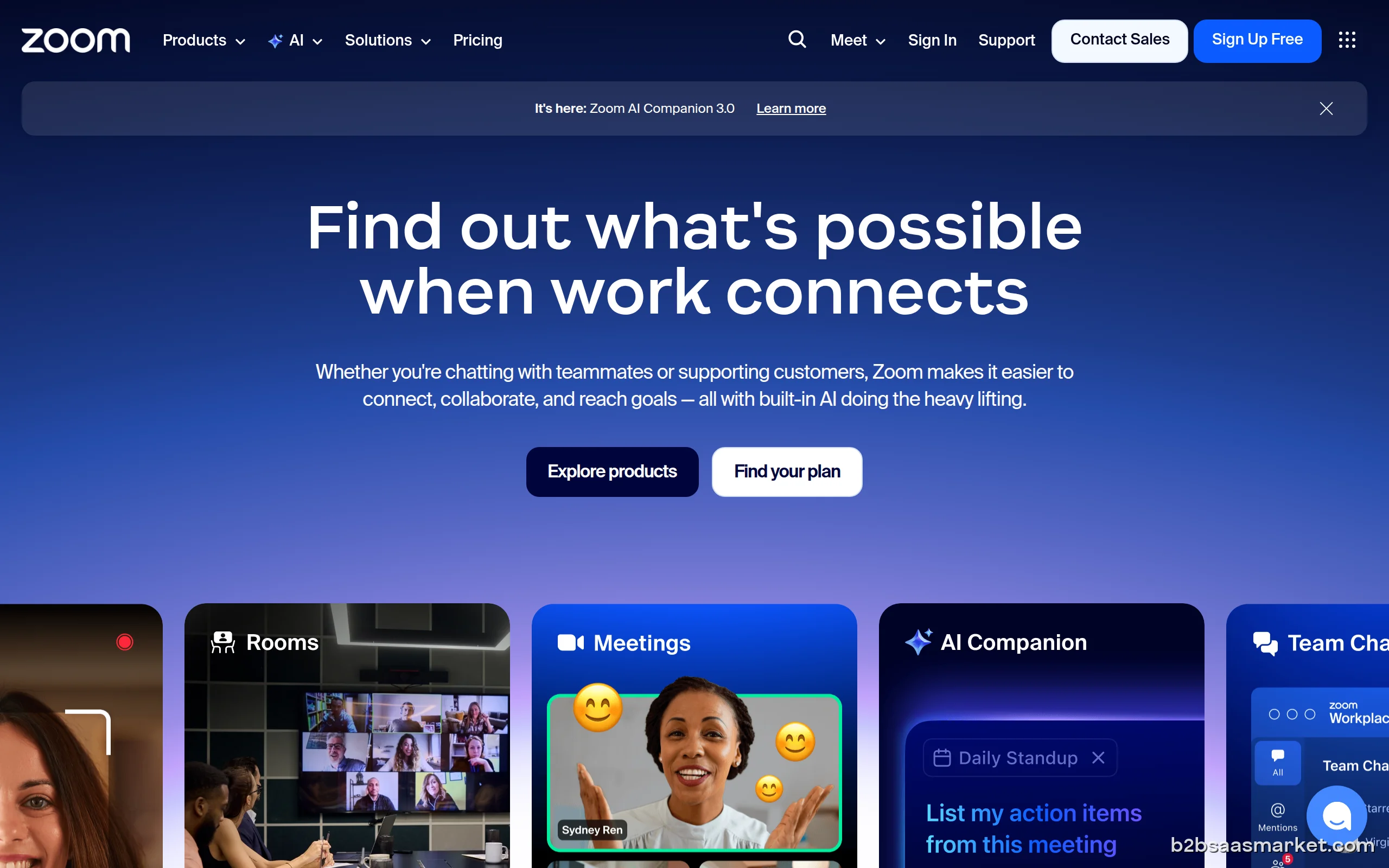
Zoom is a leading video conferencing tool that enables users to connect seamlessly through high-quality video, audio, and collaboration features. Ideal for businesses of all sizes, it enhances communication by facilitating virtual meetings, webinars, and online events across various industries. Its user-friendly interface makes it accessible for both tech-savvy professionals and those less familiar with technology.
Zoom Review
Zoom has revolutionized the way we connect, collaborate, and conduct business meetings in today's digital landscape. As a premier video conferencing tool, it offers a feature-rich platform that allows users to host virtual meetings, webinars, and events with ease. Whether you are a small business, a large enterprise, or a remote team, Zoom provides the necessary infrastructure for effective communication, making it an indispensable tool for organizations aiming to enhance their collaborative efforts.
Who It's For
Zoom caters to a diverse audience, including remote teams, educational institutions, healthcare providers, and corporate organizations. Its versatility allows it to be used in various contexts, from virtual classrooms to executive meetings, making it suitable for both small businesses and large enterprises. The platform’s accessibility and user-friendly interface make it ideal for individuals and organizations that seek a reliable solution for their communication needs.
Core Functionality
At its core, Zoom offers high-definition video and audio conferencing, screen sharing capabilities, and interactive features such as virtual backgrounds and breakout rooms. Users can schedule and join meetings quickly through desktop and mobile applications, and the integration with calendar applications streamlines the scheduling process. The platform also supports webinars, allowing users to host online events for larger audiences, complete with registration options and interactive Q&A sessions.
Business Benefits
One of the standout benefits of Zoom is its ability to facilitate seamless communication regardless of geographical barriers. This capability enhances team collaboration and fosters a culture of inclusivity, making it easier for teams to collaborate on projects. Additionally, the platform's scalability ensures that it can grow alongside a business's needs, accommodating everything from small team meetings to large conferences. Moreover, Zoom's robust security features, including end-to-end encryption, provide peace of mind for organizations concerned about data privacy.
Conclusion/Verdict
In conclusion, Zoom is a powerful video conferencing tool that excels in providing high-quality communication solutions for businesses, educational institutions, and individuals alike. Its comprehensive feature set, ease of use, and adaptability make it a top choice for those looking to enhance their virtual communication capabilities. Whether you need to host a simple team meeting or a large-scale webinar, Zoom delivers a reliable and efficient platform that meets the demands of modern collaboration.
Key Features
- High-definition video and audio conferencing
- Screen sharing capabilities for effective presentations
- Breakout rooms for group discussions
- Virtual backgrounds to maintain professionalism
- Integration with calendar applications for easy scheduling
- Webinar hosting for large audiences with interactive Q&A
- Recording options for meetings and webinars
- End-to-end encryption for secure communications
Zoom Use Cases
- Hosting virtual team meetings to enhance collaboration.
- Conducting webinars for product launches or training sessions.
- Facilitating online courses and educational lectures.
- Connecting with clients for remote consultations in healthcare.
- Managing remote team collaboration across different time zones.
- Organizing virtual conferences and networking events.
- Utilizing breakout rooms for group projects during meetings.
Zoom Pros & Cons
- User-friendly interface that is easy to navigate for all skill levels.
- High-quality video and audio with minimal latency, even on low bandwidth.
- Robust features like breakout rooms, virtual backgrounds, and polling enhance engagement.
- Scalable options suitable for small businesses to large enterprises.
- Strong security measures including end-to-end encryption and password protection.
- Integration capabilities with numerous third-party applications streamline workflows.
- 24/7 customer support and extensive knowledge base resources available.
- Limited free version with a 40-minute cap on group meetings.
- Occasional issues with connectivity during high-traffic periods.
- Privacy concerns raised due to past security vulnerabilities.
- Some advanced features may have a learning curve for new users.
- Dependence on a stable internet connection for optimal performance.
Integrations
User Reviews
Just had zoom installed by Joe B, was very polite and professional ! Happy customer thank you !!!
Zoom feels cheap and limiting once you stop using it casually. Basic features get cut off fast, time limits hit immediately, and paid plans feel forced. You’re in the middle of something and the platform just shuts it down unless you upgrade. Feels less like a tool and more like a paywall with a camera.
Frequently Asked Questions
Zoom is a cloud-based video conferencing platform that allows users to host and join virtual meetings, webinars, and online events. It provides high-quality video and audio capabilities, along with a suite of collaboration tools to enhance communication.
The number of participants in a Zoom meeting varies based on the subscription plan. The free plan allows up to 100 participants, while paid plans can accommodate up to 1,000 participants in a single meeting.
Yes, Zoom offers a free version with limited features, including a 40-minute cap on group meetings. Users can sign up and explore basic functionalities without any cost.
Zoom is available on various platforms, including web browsers, iOS, Android, Windows, and Mac. This cross-platform compatibility ensures users can join meetings from multiple devices.
Yes, Zoom employs multiple security features, including end-to-end encryption, password protection, and waiting rooms to enhance meeting security and protect user data.
Yes, Zoom allows users to record meetings locally or in the cloud. Recorded sessions can be accessed later for review or sharing with those who could not attend.
Breakout rooms are a feature that allows hosts to split participants into smaller groups during a meeting for focused discussions, enhancing engagement and collaboration.
Quick Info
- Category Communication
- Rating 1.3/5
- Free Trial Yes
- Trial Period 14 days
- API Available Yes
- Deployment Cloud

Mobile Apps
Company Info
- Company Zoom Video Communications
- Founded 2011
- Headquarters San Jose, United States
- Employees 1000+
 More tools from United States →
Target Audience
Zoom is ideal for businesses of all sizes, educational institutions, and professionals seeking effective virtual communication solutions. Its ease of use and comprehensive feature set make it suitable for users from various sectors, including healthcare, finance, and technology.
Platforms