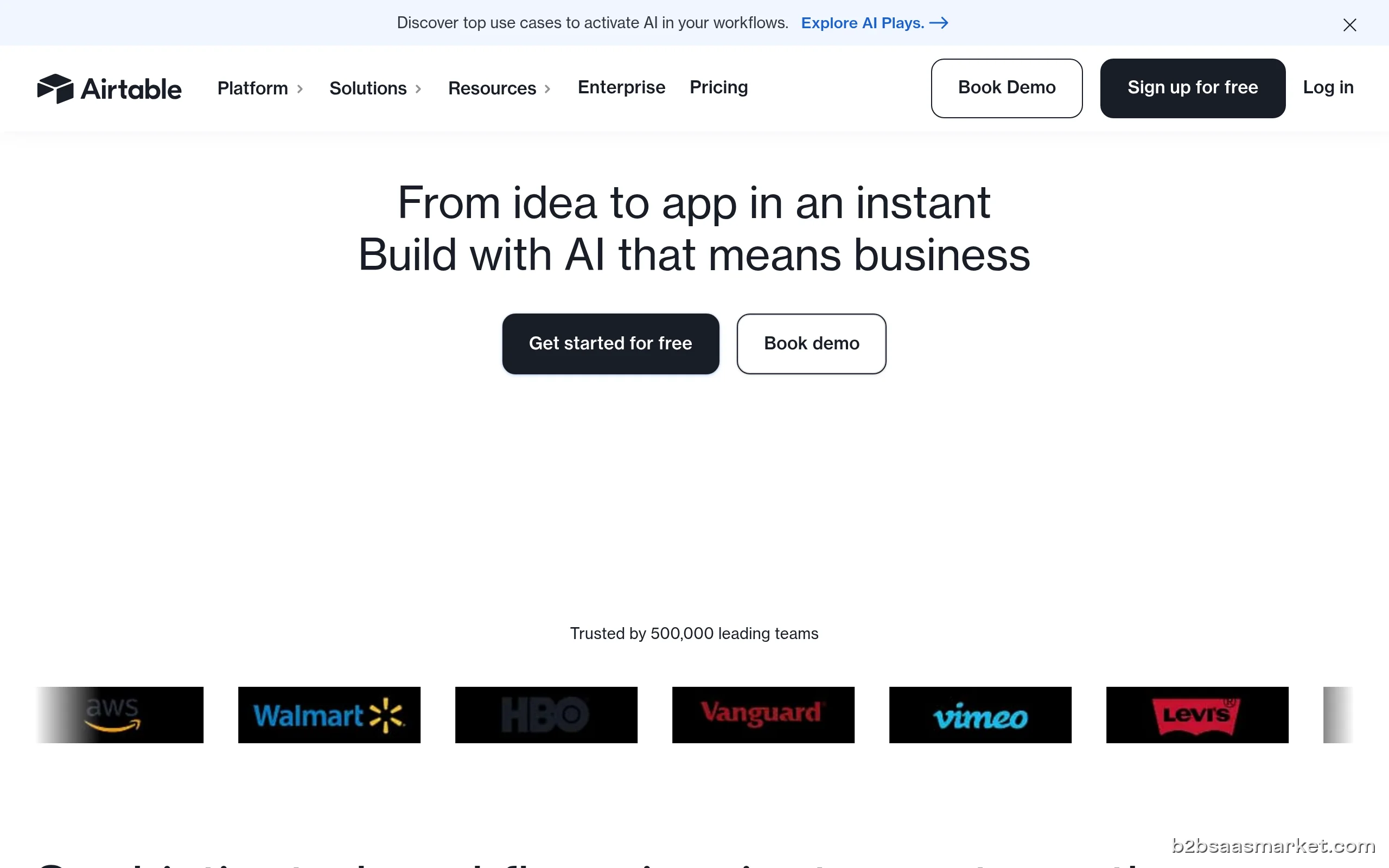
Airtable is a low-code platform that simplifies project management and collaboration through a flexible, spreadsheet-like interface. It empowers teams to build custom applications without extensive coding knowledge, making it ideal for businesses of all sizes looking to optimize workflows and enhance productivity.
Airtable Review
Airtable is a versatile low-code platform that facilitates project management, collaboration, and data organization through its intuitive interface. With its spreadsheet-like appearance, users can easily create, manage, and share databases that suit their specific needs, whether it’s for project tracking, CRM, or content management. This flexibility allows teams to work more efficiently and adapt quickly to changing requirements.
Who It's For
Airtable is designed for individuals and teams across various industries looking for a customizable solution to manage their projects and data. Small businesses, startups, marketing teams, and even large enterprises can benefit from its low-code capabilities, making it accessible for users with minimal technical expertise. By enabling teams to build tailored applications, Airtable fosters collaboration and increases productivity.
Core Functionality
The core functionality of Airtable lies in its ability to combine the simplicity of a spreadsheet with the power of a database. Users can create tables to store different types of information and link them for relational data management. With features like customizable views, filtered sorting, and collaboration tools, teams can visualize their projects in a way that suits their workflow. Airtable also supports various integrations and automation, enhancing its usability and efficiency.
Business Benefits
The primary business benefits of Airtable include streamlined project management, improved collaboration, and enhanced data organization. By using Airtable, teams can reduce time spent on administrative tasks, allowing them to focus on more strategic initiatives. The platform's flexibility also means that it can evolve with an organization’s needs, accommodating growth and changing workflows. Additionally, the ability to share bases with external stakeholders fosters transparency and increases engagement.
Conclusion/Verdict
In conclusion, Airtable is an excellent choice for teams seeking a low-code platform to manage their projects and data effectively. Its user-friendly interface, combined with powerful features, makes it suitable for a wide range of applications. Whether you are a small business looking for a simple project management tool or a large enterprise needing a robust data management solution, Airtable can adapt to your needs and drive productivity.
Key Features
- Customizable database structures for unique project needs
- Real-time collaboration and commenting features
- Multiple views such as grid, calendar, and gallery
- Robust filtering and sorting options for data organization
- Integration with third-party applications like Slack and Google Drive
- Automation tools to streamline repetitive tasks
- Templates for various use cases to jumpstart projects
- Mobile-friendly interface for on-the-go access
Airtable Use Cases
- Project management for creative teams to track tasks and deadlines.
- CRM for small businesses to manage customer relationships and sales pipelines.
- Content planning for marketing teams to organize campaigns and content schedules.
- Event planning for organizing logistics and guest lists.
- Inventory management for e-commerce businesses to track stock levels.
- Research databases for academic teams to manage data collection and analysis.
- HR onboarding processes to track new hires and training schedules.
Airtable Pros & Cons
- User-friendly interface that resembles a spreadsheet, making it easy for non-technical users to navigate.
- Highly customizable, allowing users to create tailored solutions that fit their specific workflows.
- Strong collaboration features, enabling real-time updates and seamless sharing among team members.
- Integrates with many popular tools and platforms, enhancing its functionality within existing tech stacks.
- Supports automation and workflow management, significantly reducing manual tasks.
- Offers various templates to help users get started quickly and efficiently.
- Strong community support and extensive documentation for troubleshooting and best practices.
- Some advanced features may require a learning curve for users unfamiliar with database concepts.
- Pricing can escalate quickly for larger teams or organizations needing more advanced functionalities.
- Limited offline capabilities, which can be a drawback for users needing access without internet.
- Performance may lag with very large datasets or complex automations.
- Customization can lead to confusion if not properly documented or managed.
Integrations
User Reviews
Airtable is probably my favourite software. I run my whole business on it, keeping track of projects, customers, issues, invoices, etc. etc. It's like Google Sheets, but way more powerful, and more intuitive to use. It's the best-designed app I've ever used to be honest.
I was considering using this as a CRM for the company I work for, so set up a free trial to see what it can do. Trial was coming to an end, so I went to cancel it. Nowhere in the account is there an option, and the FAQs advise changing to the free plan to cancel - great. As soon as I clicked 'Change Plan' it deducted $240 from my automatically.Emailed support (a bot most likely) and got a canned answer requesting more info. It's telling me up to 15 working days to get a refund. That's if it actu
Frequently Asked Questions
Airtable is a low-code platform that allows users to create and manage databases in an intuitive, spreadsheet-like interface. It combines the ease of a spreadsheet with the power of a database, enabling teams to customize their workflows efficiently.
Yes, Airtable is well-suited for project management. Users can create custom tables, track tasks, set deadlines, and collaborate in real-time, making it a powerful tool for managing projects of any size.
Absolutely! Airtable's interface is designed to be user-friendly, resembling a traditional spreadsheet, which makes it accessible for users with minimal technical knowledge.
Yes, Airtable integrates with a variety of popular tools and platforms, such as Slack, Google Drive, and Zapier. This allows users to enhance their workflows and automate tasks across different applications.
Airtable is beneficial for a wide range of businesses, including small businesses, marketing teams, creative agencies, and even large enterprises, due to its flexibility and customization options.
Yes, Airtable offers a free tier with limited features, as well as a free trial for its premium features, allowing users to explore its capabilities before committing.
Airtable offers several pricing plans, including a free tier and paid options that vary based on feature sets and user counts. Pricing can start from around $10 per user per month.
Quick Info
- Category No-Code / Low-Code
- Rating 3.6/5
- Trial Period 14 days
- API Available Yes
- Deployment Cloud


Mobile Apps
Company Info
- Company Airtable, Inc.
- Founded 2012
- Headquarters San Francisco, United States
- Employees 201-500
 More tools from United States →
Target Audience
Airtable is ideal for small to medium-sized businesses, marketing teams, and project managers who require a flexible, low-code solution to collaborate and manage data. Its user-friendly interface and powerful features make it suitable for users with varying technical skills.
Platforms