
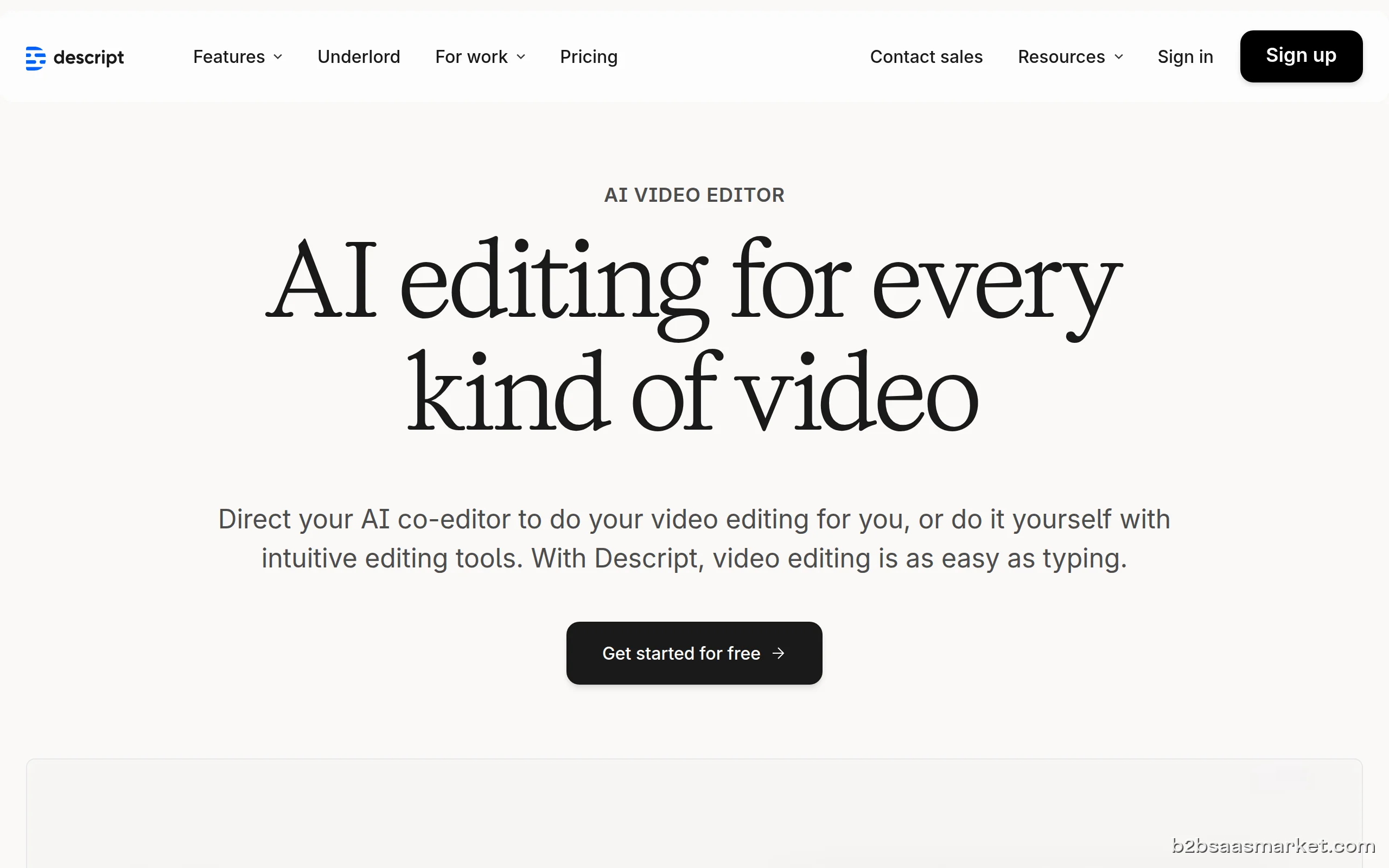
Descript is an innovative video editing AI tool that simplifies the editing process by allowing users to edit video content as easily as editing text. It's designed for content creators, marketers, and educators who want to create professional-quality videos without requiring extensive technical skills.
Descript Review
Descript is a revolutionary video editing tool that leverages artificial intelligence to transform the way users create and edit video content. Unlike traditional video editing software, Descript allows users to edit videos by editing text, making the process intuitive and accessible, even for those without prior editing experience. This unique approach not only saves time but also significantly lowers the barrier to entry for video creation.
Who It's For
Descript is ideal for content creators, educators, marketers, and businesses looking to produce high-quality video presentations, tutorials, or marketing materials. Its user-friendly interface makes it particularly suitable for individuals and teams that want to streamline their video production workflow without sacrificing quality. Whether you are a solo entrepreneur, a member of a marketing team, or an educator producing online courses, Descript caters to diverse needs.
Core Functionality
The core functionality of Descript revolves around its powerful AI-driven editing capabilities. Users can transcribe videos automatically, allowing them to edit video content by simply modifying the text transcript. This means that cutting, rearranging, or deleting sections of a video can be done as easily as editing a document. Additionally, Descript provides features such as screen recording, audio editing, and collaboration tools that enable teams to work together seamlessly on video projects.
Business Benefits
Utilizing Descript can lead to significant business benefits, particularly in increasing productivity and enhancing content quality. By simplifying the editing process, teams can create more content in less time, which is crucial in today’s fast-paced digital landscape. Furthermore, the ability to produce high-quality videos without the need for extensive technical skills reduces the need for specialized personnel, thus saving costs. The collaborative features also foster teamwork, enabling multiple users to contribute to projects effectively.
Conclusion/Verdict
In conclusion, Descript stands out as a game-changer in the video editing landscape. Its innovative text-based editing approach, combined with powerful AI capabilities, makes it an essential tool for anyone looking to create engaging video content efficiently. While it is particularly beneficial for content marketers and educators, its versatility means that it can serve a wide range of users. If you are looking for a user-friendly yet powerful video editing solution, Descript is definitely worth considering.
Key Features
- Text-based video editing interface
- Automatic transcription of video/audio
- Multi-track audio and video editing
- Screen recording capabilities
- Collaboration tools for team editing
- Overdub for voice replacement
- Audio enhancement features
- Cloud storage for easy access
- Remote editing capabilities
- Integration with popular video platforms
Descript Use Cases
- Creating tutorial videos for online courses.
- Editing marketing videos for social media campaigns.
- Producing webinars with live screen recording.
- Collaborating on video projects with remote teams.
- Generating promotional content for product launches.
- Editing podcasts by combining video and audio tracks.
- Creating training materials for employee onboarding.
Descript Pros & Cons
- Text-based editing simplifies the video editing process.
- Automatic transcription saves time and effort.
- Powerful collaboration tools for team projects.
- Screen recording feature enhances content creation.
- Supports multi-track editing for audio and video.
- Cloud-based platform allows for easy access and sharing.
- User-friendly interface suitable for non-technical users.
- Limited advanced features compared to professional video editing software.
- May require an internet connection for certain functionalities.
- Pricing can be high for advanced features.
- Learning curve for those new to video production.
- Occasional inaccuracies in automatic transcription.
Integrations
User Reviews
BEST LOVED, EASY TO EDIT AND VERY HIGH TECHNOLOGY AI USED I AM VERY IMPRESED
I’m sorry for always giving bad reviews. I’m not trying to hate this app, but every day it drives me crazy. It’s often unresponsive and slow at doing anything. The AI only helps about ten percent of my work, but it gives me a lot of extra workload because I need to check everything again and again. The results are inconsistent, and usually they turn out bad.
Frequently Asked Questions
Descript is a video editing tool that uses artificial intelligence to allow users to edit video content as easily as editing text. It simplifies the editing process and enables users to create professional-quality videos without extensive technical skills.
Descript transcribes your video or audio content into text. You can then edit the video by modifying the text, making it intuitive and straightforward to cut, rearrange, or delete sections.
Yes, Descript is designed to be user-friendly, making it accessible for beginners. The text-based editing approach and intuitive interface help users get started quickly.
Absolutely! Descript offers collaboration features that allow multiple users to work on video projects simultaneously, making it easy for teams to edit and review content together.
You can create a wide variety of videos using Descript, including tutorials, marketing videos, webinars, podcasts, and training materials. Its versatility makes it suitable for different content formats.
Yes, Descript provides a free trial that allows users to explore its features and capabilities before committing to a subscription.
Descript is a cloud-based tool, so it primarily requires an internet connection. It is compatible with modern web browsers and offers desktop applications for both Mac and Windows.
Quick Info
- Category Video & Webinar
- Rating 4.4/5
- Free Trial Yes
- Trial Period 14 days
- Deployment Cloud


Mobile Apps
Company Info
- Company Descript, Inc.
- Founded 2017
- Headquarters San Francisco, United States
- Employees 51-200
 More tools from United States →
Target Audience
Descript is perfect for content creators, educators, and marketers who need to produce high-quality video content quickly and efficiently. Its intuitive interface and powerful features make it suitable for both individuals and teams across various industries.
Platforms