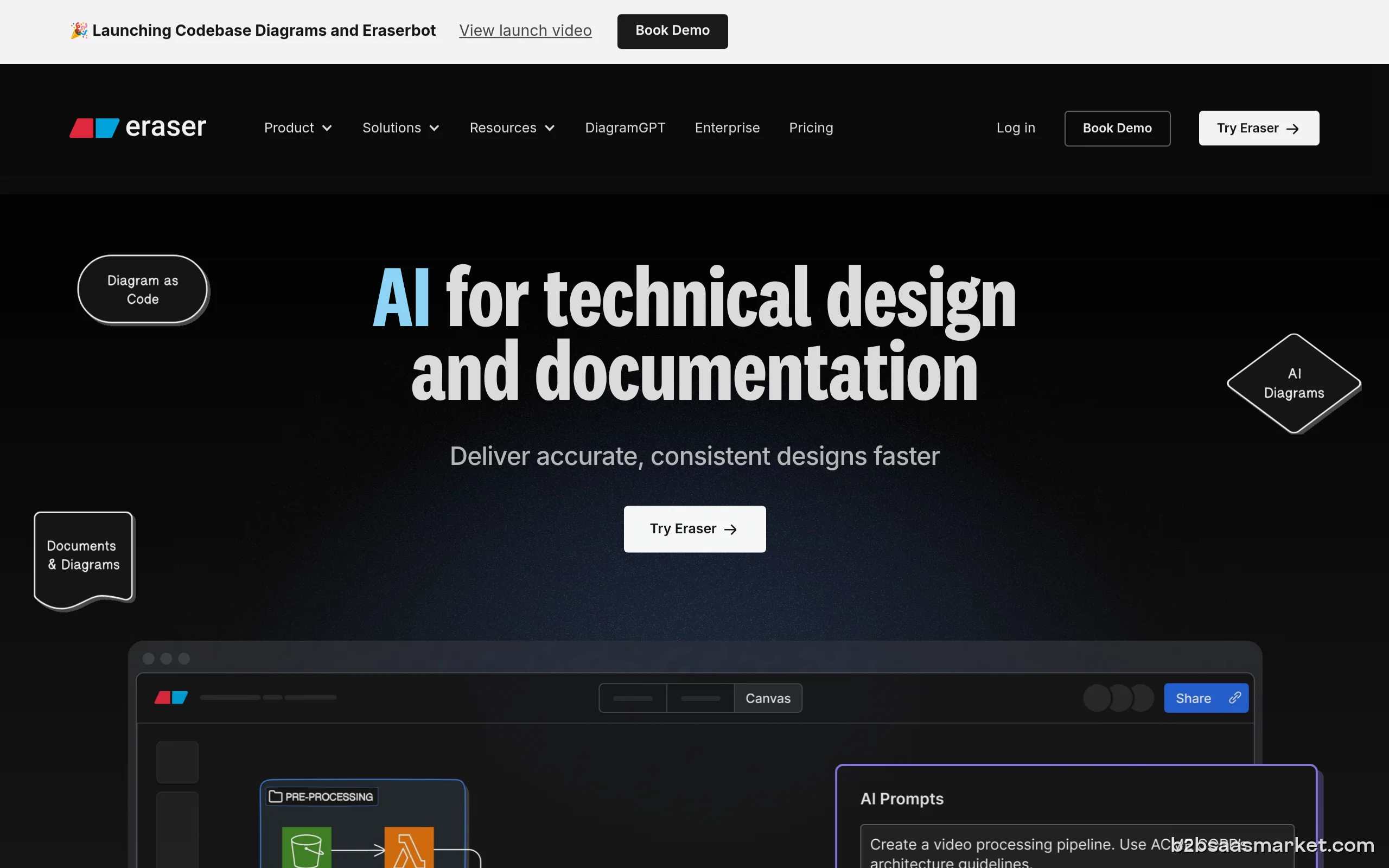
Eraser is a collaborative whiteboard tool designed specifically for engineering teams. It facilitates brainstorming, planning, and project management, allowing teams to visualize complex ideas and workflows. With its user-friendly interface, Eraser enhances team collaboration and boosts productivity, making it perfect for engineering teams looking to streamline their processes.
Eraser Review
Eraser is a versatile collaborative whiteboard platform tailored for engineering teams. It provides a digital space where teams can brainstorm, visualize, and manage projects effectively. With its intuitive interface, Eraser allows users to create diagrams, flowcharts, and other visual representations of their ideas, making it easier for teams to communicate complex concepts and workflows.
Who It's For
Eraser is primarily designed for engineering teams, including software developers, systems engineers, and project managers. However, its flexible features also make it suitable for any team that requires collaboration and project visualization, such as product design teams, research and development groups, and even cross-functional teams working on complex projects.
Core Functionality
The core functionality of Eraser revolves around its whiteboard capabilities, which allow users to create and edit visual content in real-time. Users can collaborate simultaneously, adding notes, drawing diagrams, and integrating various multimedia elements. The platform supports version control, enabling teams to track changes and revert to previous iterations easily. Additionally, Eraser integrates with other tools, enhancing its usability within existing workflows.
Business Benefits
One of the primary benefits of using Eraser is the enhancement of team collaboration. By providing a shared space for visualization and brainstorming, teams can engage more effectively in discussions, leading to better decision-making and innovation. The tool significantly reduces the time spent on project planning and communication, allowing teams to focus more on execution. Furthermore, its visual approach helps in simplifying complex engineering concepts, making them accessible to all stakeholders involved.
Conclusion/Verdict
In conclusion, Eraser stands out as a powerful tool for engineering teams looking to improve collaboration and project management. Its user-friendly interface, real-time collaboration features, and integration capabilities make it an essential asset for teams striving for efficiency and innovation. Whether you are a software developer or part of a product design team, Eraser provides the tools needed to visualize ideas and streamline workflows effectively.
Key Features
- Real-time collaboration on a digital whiteboard.
- Version control to track project changes.
- Integration with project management tools.
- Multimedia support for richer visual presentations.
- Customizable templates for various project needs.
- Drawing and diagramming tools for visual brainstorming.
- Cloud-based storage for easy access and sharing.
- Mobile-friendly interface for on-the-go collaboration.
Eraser Use Cases
- Engineering teams brainstorming software architecture designs.
- Project managers mapping out timelines and workflows visually.
- Cross-functional teams collaborating on product development.
- Research teams visualizing data and findings for presentations.
- Design teams creating interactive prototypes and mockups.
Eraser Pros & Cons
- Intuitive user interface that simplifies collaboration.
- Real-time editing allows multiple users to work simultaneously.
- Version control for tracking changes and maintaining project history.
- Supports various multimedia elements for richer presentations.
- Seamless integration with popular project management and development tools.
- Enhances communication and understanding of complex concepts.
- Customizable templates to kickstart projects quickly.
- Limited offline functionality may hinder users without internet access.
- Some advanced features may require a learning curve for new users.
- Pricing may be high for small teams or startups.
- Occasional performance issues with larger projects.
- Lacks some integrations with niche tools.
Integrations
Frequently Asked Questions
Eraser is a collaborative whiteboard tool designed for engineering teams to visualize and manage projects effectively through real-time collaboration and multimedia support.
Eraser is beneficial for engineering teams, project managers, product designers, and any team requiring visual collaboration to enhance communication and productivity.
Yes, Eraser supports integration with various project management and development tools, streamlining workflows and enhancing usability.
Yes, Eraser offers a free trial period, allowing users to explore its features before committing to a subscription.
Eraser is available on web browsers and has a mobile-friendly interface for users accessing it on smartphones and tablets.
Eraser enhances team collaboration by providing a shared digital space where users can brainstorm, visualize ideas, and work on projects in real time.
You can manage a variety of projects, including software development, product design, research, and any collaborative efforts that require visual representation.
Quick Info
- Category Project Management
- Trial Period 14 days
- API Available Yes
- Deployment Cloud
Mobile Apps
Company Info
- Company Eraser Inc.
- Founded 2022
- Headquarters San Francisco, United States
- Employees 11-50
 More tools from United States →
Target Audience
Eraser is ideal for engineering teams, product managers, and design professionals who need a collaborative platform to visualize complex ideas. Its intuitive interface and real-time capabilities make it suitable for teams of any size looking to enhance productivity and communication.
Platforms