
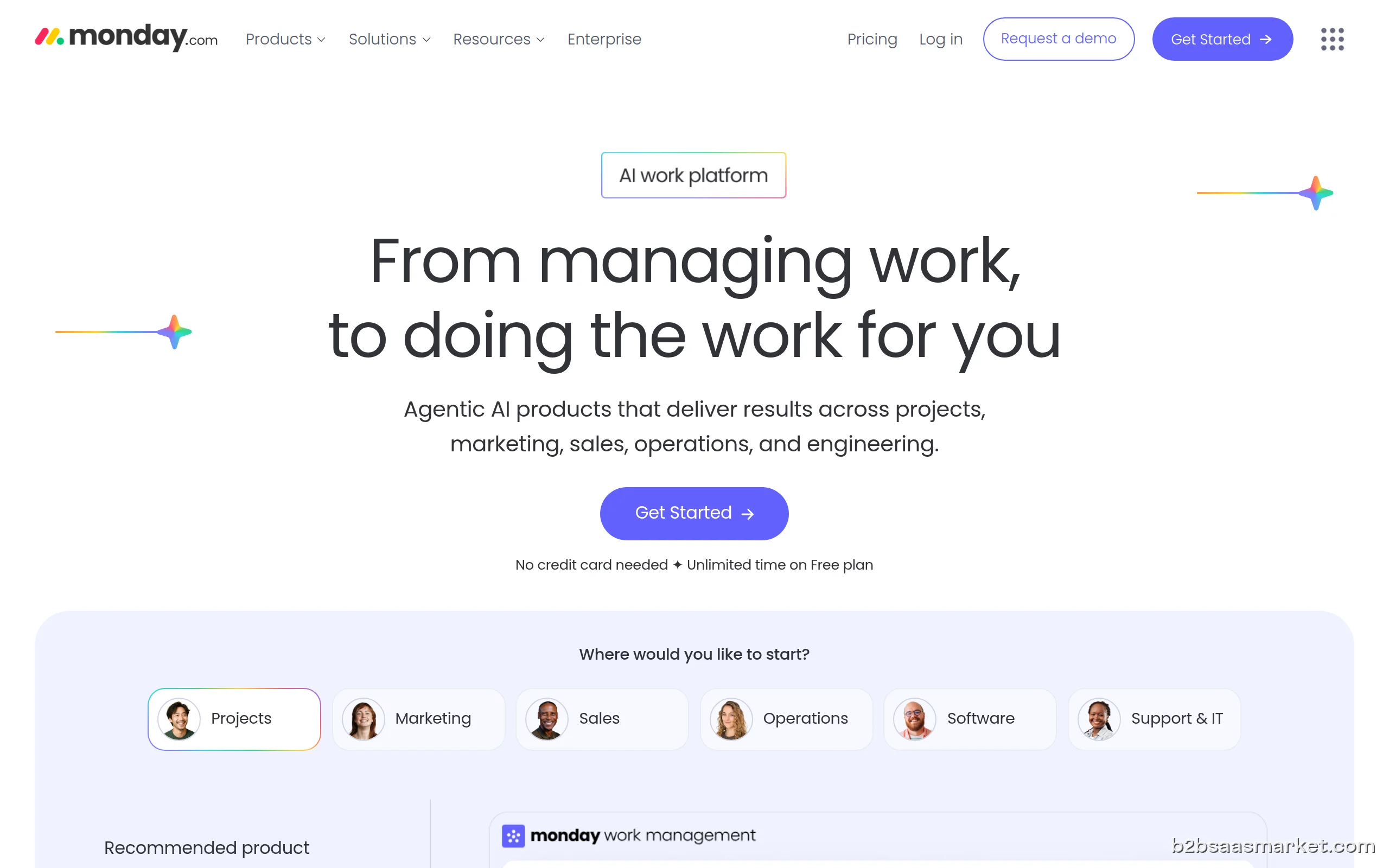
Monday.com is a work operating system designed to help teams manage their projects and workflows efficiently. With customizable boards, automations, and integrations, it enhances collaboration and productivity across various industries. Ideal for teams of all sizes, it empowers users to streamline their processes and achieve better results.
Monday.com Review
Monday.com is a versatile work operating system (Work OS) that facilitates project management and enhances team collaboration. It enables users to create custom workflows, manage tasks, and visualize project progress through intuitive boards. Its user-friendly interface and extensive integration capabilities make it a popular choice for businesses looking to optimize their operations.
Who It's For
Monday.com caters to a wide range of users, from small startups to large enterprises. Teams in various sectors such as marketing, software development, and human resources can benefit from its flexibility and adaptability. Whether you are a project manager, a remote team member, or a business owner, Monday.com provides the tools necessary to stay organized and productive.
Core Functionality
The core functionality of Monday.com revolves around its customizable boards, which allow users to create tailored workflows that suit their specific needs. Users can assign tasks, set deadlines, and track progress in real-time. With features like automations, users can save time by automating repetitive tasks, while integrations with popular tools like Slack, Google Drive, and Zoom enhance collaboration. The platform also offers various views, including Kanban, Gantt, and calendar, making it easy to visualize project timelines and dependencies.
Business Benefits
One of the primary benefits of Monday.com is its ability to improve team collaboration and communication. By centralizing project information and providing visibility into each team member's tasks, it minimizes misunderstandings and promotes accountability. Additionally, the platform's flexibility allows businesses to scale their operations as they grow, ensuring that teams can adapt to changing needs without the need for extensive retraining. The analytics features also provide insights into team performance, helping organizations make data-driven decisions.
Conclusion/Verdict
In conclusion, Monday.com stands out as a robust project management tool that caters to teams of all sizes and industries. Its intuitive interface, customizable workflows, and extensive integration capabilities make it a compelling choice for businesses looking to enhance their productivity and collaboration. While it may have a learning curve for new users, the long-term benefits of streamlined processes and improved visibility far outweigh initial challenges. For those seeking a comprehensive work operating system, Monday.com is worth considering.
Key Features
- Customizable project boards tailored to specific workflows.
- Automations to streamline repetitive tasks and processes.
- Integrations with tools such as Slack, Google Drive, and Zoom.
- Multiple visualization options including Kanban, Gantt, and calendar views.
- Real-time collaboration tools for team communication and updates.
- Time tracking features to monitor task duration and deadlines.
- Analytics and reporting tools for performance insights.
- Mobile app for managing projects on the go.
Monday.com Use Cases
- A marketing team managing a campaign can use Monday.com to track tasks, deadlines, and deliverables, ensuring everyone is aligned.
- Software development teams can utilize customizable boards to manage sprints, track bug fixes, and collaborate on feature development.
- HR teams can streamline the recruitment process by managing candidate applications and interview schedules in one place.
- Project managers can visualize project timelines using Gantt charts to identify dependencies and allocate resources effectively.
- Remote teams can enhance communication and collaboration by utilizing Monday.com for task assignments and progress updates.
Monday.com Pros & Cons
- Highly customizable workflows that suit various projects and industries.
- User-friendly interface that enables easy navigation and task management.
- Real-time collaboration features that enhance team communication.
- Extensive integration capabilities with popular tools like Slack and Google Drive.
- Powerful automation features that reduce manual work and save time.
- Multiple view options (Kanban, Gantt, calendar) for visualizing project timelines.
- Robust reporting and analytics tools for performance tracking and insights.
- Mobile accessibility through iOS and Android apps for on-the-go management.
- Initial setup and customization can be time-consuming for new users.
- Pricing may be steep for smaller teams or startups, especially with premium features.
- Some advanced features may require additional training to utilize effectively.
- Limited offline capabilities can hinder productivity in low-connectivity areas.
- Occasional performance lags during peak usage times or with large data sets.
Integrations
Pricing
Free trial available (14 days)
User Reviews
Monday.com is hands-down my favorite productivity platform! It simplifies collabration, tracks progress beautifully, and gives me peace of mind knowing nothing slips through the cracks. Managing multiple projects is easier now!
After a two-week trial, I subscribed to monday.com’s Basic Plan expecting the same functionality I tested. Immediately after payment, key features were removed and I was prompted to upgrade to the much more expensive Pro Plan to regain them.Since the Pro Plan was not affordable for my business, I requested a cancellation right away. Despite not using the service, customer support refused a full refund and kept part of the first month’s payment, citing company policy.This experience felt misleadi
Frequently Asked Questions
Monday.com is a work operating system that helps teams manage projects, tasks, and workflows efficiently. It offers customizable boards, automation features, and integrations to enhance collaboration and productivity.
Yes, Monday.com is suitable for small businesses as well as large enterprises. Its flexibility allows teams to tailor the platform to their specific needs, making it a great fit for organizations of all sizes.
You can manage a wide variety of projects with Monday.com, including marketing campaigns, product development, HR processes, and more. The platform's adaptability allows for different project methodologies.
Monday.com improves team collaboration by providing a centralized platform for task management, real-time updates, and communication tools. Team members can see each other's progress and provide feedback directly within the platform.
Yes, Monday.com offers extensive integrations with popular tools like Slack, Google Drive, and Zoom. This allows users to streamline their workflows and enhance productivity by connecting their favorite applications.
Yes, Monday.com offers a free trial, allowing potential users to explore the platform and its features before committing to a paid plan.
Monday.com allows users to set up automation for repetitive tasks, such as sending notifications, updating statuses, or moving items between boards based on triggers. This feature can save time and reduce manual work.
Monday.com provides various support options, including email support, a knowledge base, and community forums to help users get the most out of the platform.
Quick Info
- Category Project Management
- Rating 3.8/5
- Free Trial Yes
- Trial Period 14 days
- API Available Yes
- Deployment Cloud


Mobile Apps
Company Info
 More tools from Israel →
Target Audience
Monday.com is ideal for project managers, team leaders, and businesses of all sizes looking to enhance their project management capabilities. Its flexibility and extensive features suit various industries, including marketing, IT, and HR.
Platforms