
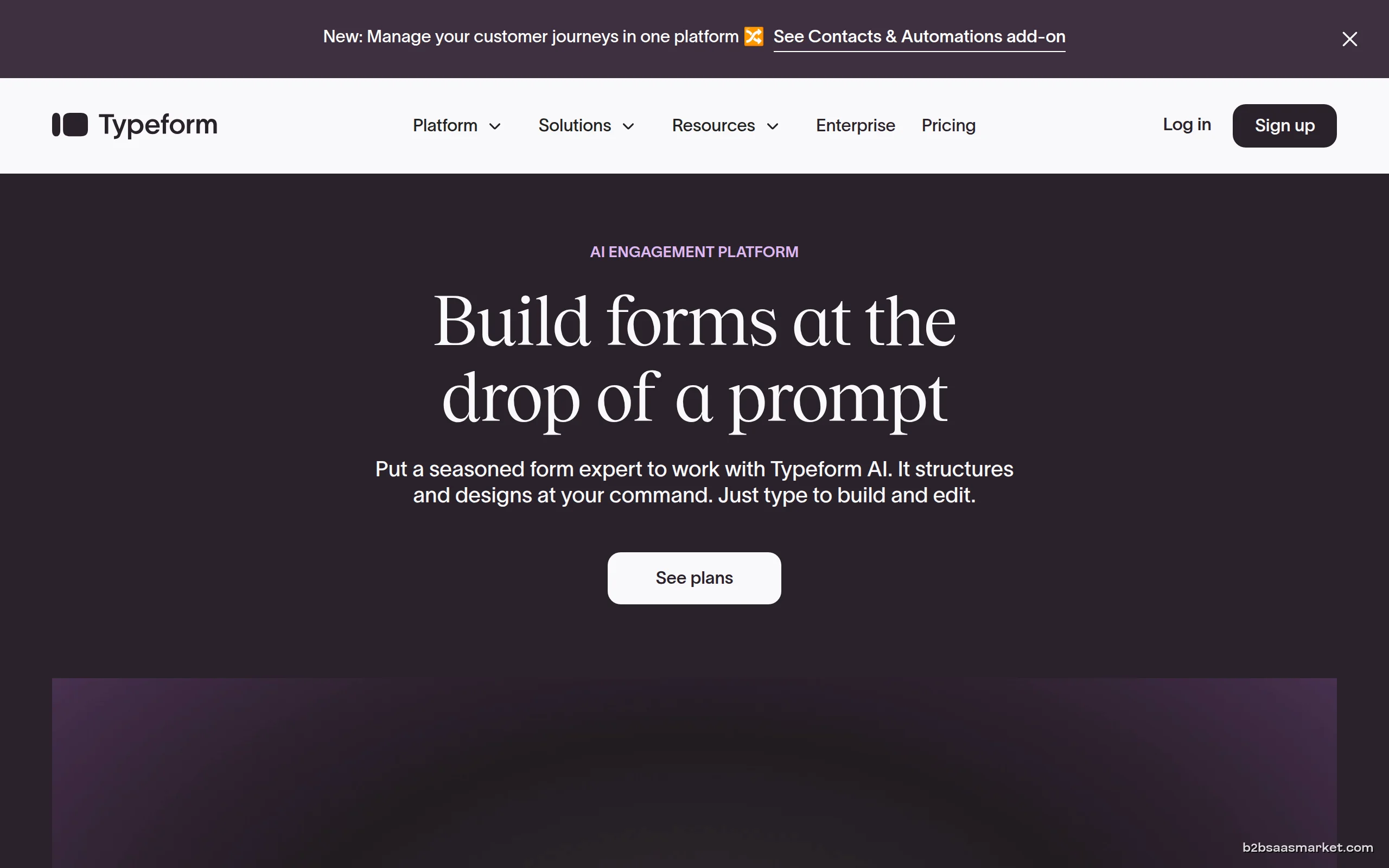
Typeform is a versatile online form builder designed to create engaging surveys, forms, and quizzes that are visually appealing. It empowers businesses to collect data seamlessly while enhancing user experience. Ideal for marketers, educators, and organizations aiming for high response rates.
Typeform Review
Typeform is an innovative online tool that specializes in crafting beautiful, engaging forms and surveys. Unlike traditional forms that can often feel tedious and uninspiring, Typeform focuses on user experience, making data collection more interactive and visually appealing. With its intuitive interface and customizable templates, users can create forms that not only capture information but also engage participants effectively, leading to higher completion rates.
Who It's For
Typeform is designed for a variety of users, including marketers, educators, and businesses of all sizes that require effective data collection solutions. Its user-friendly design and engaging formats make it ideal for those who want to gather insights through feedback forms, lead generation, customer satisfaction surveys, and more. Whether you are a small business looking to understand your customers better or a large corporation wanting to streamline data collection, Typeform caters to diverse needs.
Core Functionality
The core functionality of Typeform revolves around its ability to create dynamic forms and surveys. Users can choose from a wide range of question types, including multiple-choice, short answer, and rating scales, allowing them to tailor their forms to specific needs. The platform also supports logic jumps, enabling a personalized experience for respondents. Additionally, Typeform integrates seamlessly with numerous third-party applications, making it easy to manage and analyze the collected data.
Business Benefits
One of the standout benefits of using Typeform is the enhanced engagement it fosters. Its visually appealing designs and user-friendly interface encourage higher completion rates, which is crucial for businesses seeking valuable feedback. Furthermore, Typeform provides robust analytics tools that allow users to track responses and gain insights into customer preferences. This data-driven approach can significantly inform marketing strategies and improve decision-making processes. The ability to embed forms on websites and share them across social media platforms also amplifies reach, making it a powerful tool for lead generation.
Conclusion/Verdict
In conclusion, Typeform stands out as a leading choice for businesses and organizations looking to enhance their data collection efforts. Its emphasis on aesthetic design combined with user engagement makes it a unique tool in the market. While it may not cater to every specific need, its versatility and ease of use make it a worthy investment for those aiming to gather insights efficiently. Overall, Typeform is a solid option for anyone in need of a modern, visually appealing form-building solution.
Key Features
- Customizable templates for various use cases.
- Logic jumps for personalized survey experiences.
- Variety of question types including video and image prompts.
- Real-time response tracking and analytics.
- Integration with tools like Google Sheets and Zapier.
- Mobile-responsive forms for on-the-go access.
- Collaboration features for team-based form creation.
Typeform Use Cases
- Creating customer satisfaction surveys to gather feedback after a purchase.
- Developing lead generation forms to capture potential client information.
- Conducting quizzes or assessments in an educational setting.
- Gathering event registrations with customized form fields.
- Collecting employee feedback through internal surveys.
- Running market research surveys to understand customer preferences.
Typeform Pros & Cons
- User-friendly interface that makes form creation intuitive.
- Visually appealing designs that enhance user engagement.
- Supports a wide range of question types for detailed feedback.
- Logic jumps allow for personalized user experiences.
- Robust analytics to track responses and gain insights.
- Seamless integrations with popular third-party applications.
- Mobile-friendly forms that cater to users on any device.
- Limited advanced features in the free version.
- Can become costly for high-volume users requiring premium plans.
- Customization options may be limited for some users.
- Lack of offline functionality for form completion.
- Some integrations may require additional third-party tools.
Integrations
Pricing
Free trial available (14 days)
Frequently Asked Questions
Typeform is an online form and survey builder that focuses on providing a visually appealing and interactive experience for users. It allows businesses to create customized forms that enhance engagement and improve data collection.
Typeform improves user engagement by offering visually attractive designs and interactive question formats that encourage users to complete forms rather than abandon them mid-way.
Yes, Typeform integrates with a variety of third-party applications such as Google Sheets, Slack, and Mailchimp, allowing for seamless data management and analysis.
Absolutely! Typeform forms are mobile-responsive, meaning they can be easily accessed and filled out on smartphones and tablets, ensuring a smooth experience for all users.
Typeform supports a wide range of question types, including multiple-choice, short answer, rating scales, and even multimedia options like images and videos.
Yes, Typeform offers a free version with basic features, but advanced functionalities and higher response limits are available in paid plans.
Typeform provides built-in analytics tools that allow you to track responses in real-time, visualize data, and export results for in-depth analysis.
Quick Info
- Category Survey & Forms
- Rating 3.6/5
- Free Trial Yes
- Trial Period 14 days
- API Available Yes
- Deployment Cloud


Community
Mobile Apps
Company Info
 More tools from Spain →
Target Audience
Typeform is ideal for marketers, educators, and businesses of all sizes looking to enhance their data collection processes. Its engaging design and flexibility make it suitable for anyone needing insightful feedback from users.
Platforms