Notion is an all-in-one workspace designed to help teams and individuals stay organized, collaborate, and manage projects effectively. Combining note-taking, task management, and database functionalities, it empowers users to customize their workspace according to their specific needs, making it ideal for startups, freelancers, and established enterprises alike.
Notion Review
Notion is a versatile all-in-one workspace that seamlessly integrates note-taking, project management, and collaboration tools into a single platform. Its flexibility allows users to create customized workflows that cater to individual and team needs, making it a popular choice for businesses of all sizes. Whether you are a small startup looking for a simple task manager or a large enterprise needing a comprehensive project oversight solution, Notion provides the tools necessary to enhance productivity and streamline operations.
Who It's For
Notion is designed for a wide array of users, including freelancers, small businesses, and large teams. Its customizable interface and robust functionality make it suitable for professionals in project management, marketing, and product development, among others. Teams that require collaboration and organization will find Notion particularly beneficial as it allows for real-time editing and sharing, making it easier to stay aligned and updated.
Core Functionality
The core functionality of Notion lies in its flexibility and range of features. Users can create notes, databases, kanban boards, calendars, and more, all within one platform. The tool supports rich content, including images, videos, and embedded files, allowing for comprehensive documentation and project tracking. Additionally, Notion's ability to interlink pages creates a dynamic and interconnected workspace that promotes ease of access to information.
Business Benefits
Notion provides significant business benefits by enhancing collaboration and improving organizational efficiency. With all project-related content stored in one place, teams can reduce time spent searching for information and streamline communication. The ability to customize workflows means that teams can adapt the platform to their specific processes, which can lead to increased productivity. Furthermore, Notion is cost-effective compared to traditional project management and collaboration tools, making it an attractive option for budget-conscious teams.
Conclusion/Verdict
In conclusion, Notion stands out as a powerful all-in-one workspace that caters to diverse organizational needs. Its adaptability, combined with a user-friendly interface, makes it an excellent choice for teams looking to enhance productivity and collaboration. While there are some limitations, such as a potential learning curve for new users, the overall benefits of using Notion far outweigh these drawbacks. For businesses seeking an integrated solution to manage projects, documentation, and collaboration, Notion is undoubtedly worth considering.
Key Features
- Customizable workspaces tailored to individual needs
- Real-time collaboration tools for team projects
- Multi-format content support including text, images, and videos
- Linked databases for comprehensive project tracking
- Kanban boards for visual project management
- Templates for quick setup of common workflows
- Task assignments and due date management
- Cross-platform synchronization for seamless access
Notion Use Cases
- Project management for software development teams.
- Content planning and collaboration for marketing teams.
- Personal organization and task management for freelancers.
- Database creation for tracking customer interactions.
- Documentation and reporting for HR departments.
- Meeting notes and agendas for team collaboration.
- Knowledge base creation for onboarding new employees.
Notion Pros & Cons
- Highly customizable interface to fit diverse workflows.
- Combines multiple functionalities like notes, tasks, and databases.
- Real-time collaboration features enhance team productivity.
- Rich content support, including images and embedded files.
- User-friendly design that facilitates easy navigation.
- Cost-effective compared to multiple standalone tools.
- Cross-platform availability ensures access from anywhere.
- Active community and regular updates improve user experience.
- Learning curve for new users unfamiliar with the interface.
- Limited offline functionality can hinder remote work.
- Some advanced features may be overwhelming for basic users.
- Performance can lag with larger databases or complex pages.
- Lacks built-in email integration for direct communication.
User Reviews
Not sure why there are so many negative reviews here, I genuinely loveee notion. Its saved me so much time and effort with planning and organising.
Terrible service takes 6 days to answer without providing answer, although we pay enterprise level subscription money - unacceptable
Frequently Asked Questions
Notion is an all-in-one workspace that combines note-taking, project management, and collaboration tools into a single platform. It allows users to create customizable workflows to enhance productivity and streamline team communication.
Yes, Notion is highly suitable for personal projects. Individuals can utilize it for organizing tasks, tracking personal goals, and maintaining notes in a structured manner.
Absolutely. Notion's real-time collaboration features and cloud-based access make it an excellent tool for remote teams, facilitating seamless communication and project management from anywhere.
Yes, Notion provides a variety of templates that users can utilize for different purposes, including project management, note-taking, and task organization, making it easy to get started.
Notion supports integration with various tools and platforms, enhancing its functionality and allowing users to connect their workflows across different applications.
Yes, Notion is available on multiple platforms, including mobile devices, allowing users to access their workspaces on the go.
Notion offers a variety of pricing plans, including a free tier, making it accessible for individuals and teams of all sizes. Paid plans provide additional features and increased storage.
Quick Info
- Category Collaboration
- Rating 3.6/5
- Free Trial Yes
- Trial Period 7 days
- API Available Yes
- Deployment Cloud


Mobile Apps
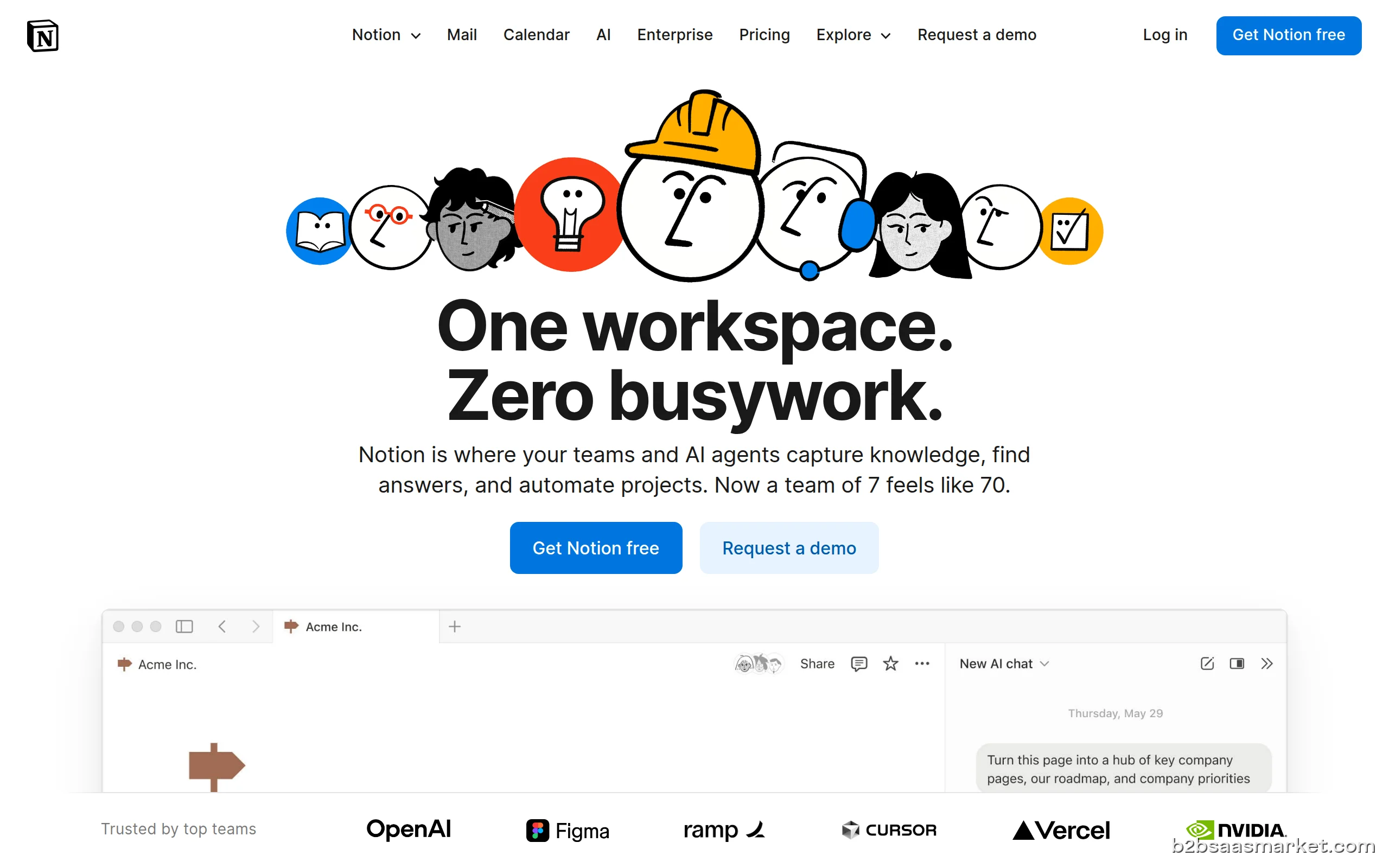
Company Info
- Company Notion Labs, Inc.
- Founded 2013
- Headquarters San Francisco, United States
- Employees 201-500
 More tools from United States →
Target Audience
Notion is ideal for startups, freelancers, and established enterprises looking for a flexible and comprehensive solution to manage tasks, projects, and documentation. Its user-friendly interface and collaborative features make it suitable for teams across various industries, enhancing productivity and organizational efficiency.
Platforms