Bear is a powerful Markdown notes application designed for individuals and teams looking to streamline their note-taking process. With its intuitive interface, Bear makes capturing thoughts, ideas, and projects easy, all while offering robust organization features. Ideal for professionals, creatives, and anyone who values efficient documentation.
Bear Review
Bear is a sophisticated tool designed for those who appreciate the elegance and functionality of Markdown for note-taking. With its clean interface and powerful features, it enables users to create, organize, and manage notes effectively. The simplicity of Markdown allows users to focus on content creation without the distractions of complex formatting options. Bear is perfect for professionals who need a reliable space for jotting down ideas, drafting documents, or managing projects.
Who It's For
This tool is ideal for a diverse range of users including writers, developers, project managers, and educators. Those who frequently take notes, collaborate on projects, or need to organize large amounts of information will find Bear particularly useful. Its flexibility ensures it can adapt to various workflows, making it suitable for both individual use and team collaboration.
Core Functionality
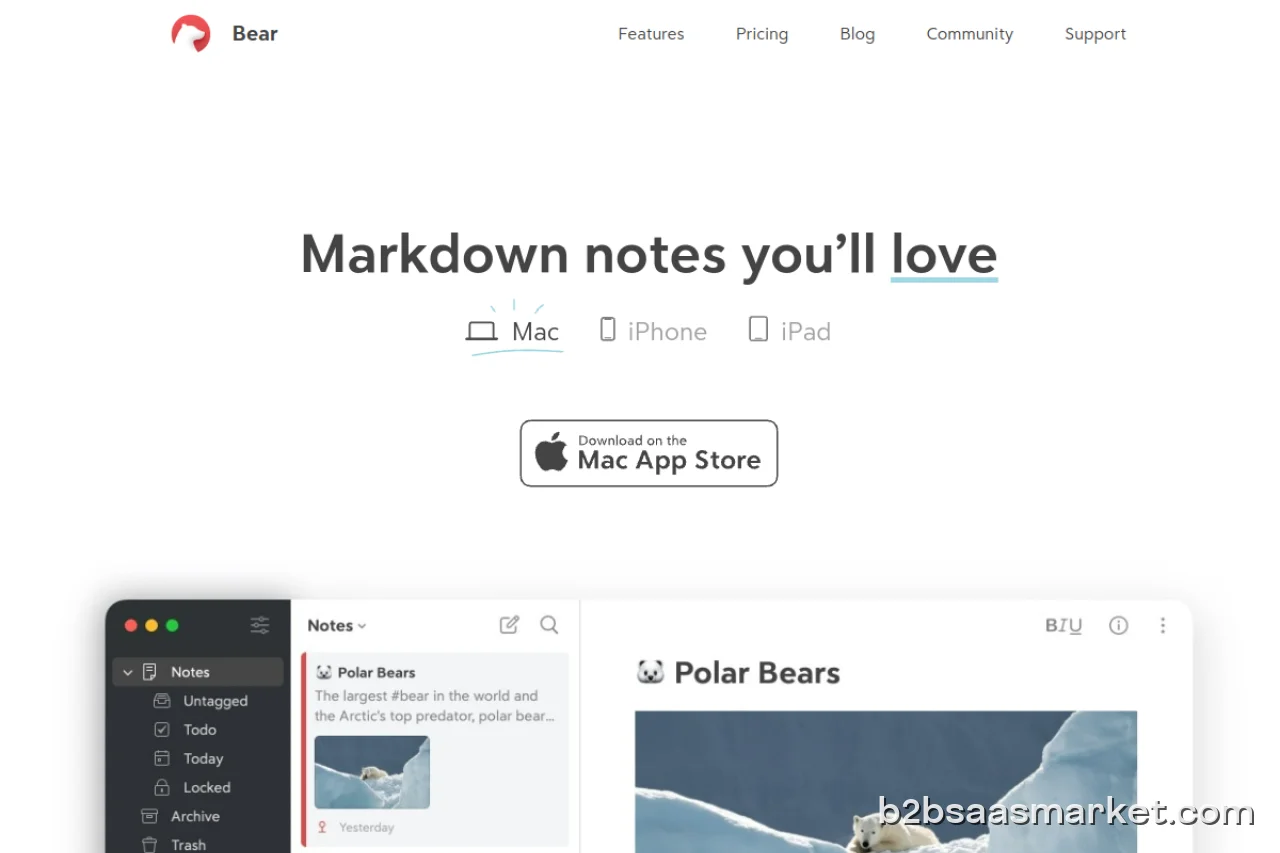
Bear’s core functionality revolves around its Markdown support, which allows users to create formatted text using plain text syntax. Users can easily add headings, lists, links, and images, making documentation straightforward and efficient. The app also supports tagging and nested organization, helping users categorize their notes effectively. Additionally, Bear’s cross-device synchronization ensures that notes are accessible on various platforms, which is essential for on-the-go professionals.
Business Benefits
By adopting Bear, businesses can enhance productivity and streamline communication. The ability to quickly jot down notes during meetings or brainstorming sessions helps capture ideas that might otherwise be forgotten. The organization features reduce the time spent searching for information, allowing teams to focus on executing plans rather than locating data. Moreover, Bear’s clean design minimizes distractions, enabling users to concentrate on their work.
Conclusion/Verdict
In conclusion, Bear is a versatile note-taking application that excels in its simplicity and functionality. Whether you are an individual looking to manage personal notes or a team requiring a collaborative space for ideas, Bear offers a robust solution. Its Markdown support, combined with strong organizational capabilities, makes it a valuable tool for enhancing productivity. For those seeking a reliable note-taking tool that prioritizes clarity and efficiency, Bear is certainly worth considering.
Key Features
- Markdown formatting for structured note-taking
- Tagging and organization for easy navigation
- Cross-device synchronization for seamless access
- Support for images and links within notes
- Customizable themes for a personalized experience
- Search functionality for quick information retrieval
- Offline access to notes for convenience
- Easy export options for sharing notes
Bear Use Cases
- Writers can draft articles and organize research notes efficiently.
- Project managers can track meeting notes and action items in one place.
- Students can take class notes and categorize them by subject.
- Developers can maintain project documentation and code snippets.
- Teams can collaborate on ideas and plans using shared notes.
Bear Pros & Cons
- User-friendly interface that simplifies note-taking and organization.
- Robust Markdown support for easy formatting without distractions.
- Tagging system allows for quick categorization and retrieval of notes.
- Cross-device synchronization ensures accessibility on multiple platforms.
- Clean design minimizes clutter, promoting focus and productivity.
- Suitable for both individual and team use, enhancing collaboration.
- Limited integrations with third-party tools compared to some competitors.
- Offline access may be restricted, affecting usability in low-connectivity areas.
- Some advanced features may require a learning curve for new users.
- Pricing may be considered high for individual users compared to free alternatives.
User Reviews
Had them for about 50 years doing a good job with them but never had any problems getting rid or getting them back to work so they are the best
Frequently Asked Questions
Bear is a Markdown notes application designed for individuals and teams to create, organize, and manage their notes efficiently, focusing on simplicity and user experience.
Yes, Bear offers cross-device synchronization, allowing users to access their notes on various platforms seamlessly.
Absolutely! Bear's tagging and organization features make it a great tool for teams to collaborate on projects and share notes effectively.
Bear is available on web and iOS platforms, ensuring users can access their notes from their preferred devices.
Yes, Bear provides a free trial for new users, allowing them to explore its features before committing to a subscription.
Bear allows users to access their notes offline, but some features may be limited without an internet connection.
Bear currently has limited third-party integrations, focusing primarily on providing a streamlined note-taking experience.
Quick Info
- Category Productivity
- Rating 4.1/5
- Free Trial Yes
- Trial Period 7 days
- Deployment Cloud


Community
Mobile Apps
Company Info
 More tools from Italy →
Target Audience
Bear is ideal for professionals, students, and teams who value organized note-taking and require a flexible tool that supports Markdown. Its ease of use and powerful features make it suitable for anyone looking to enhance their productivity and streamline their documentation processes.
Platforms