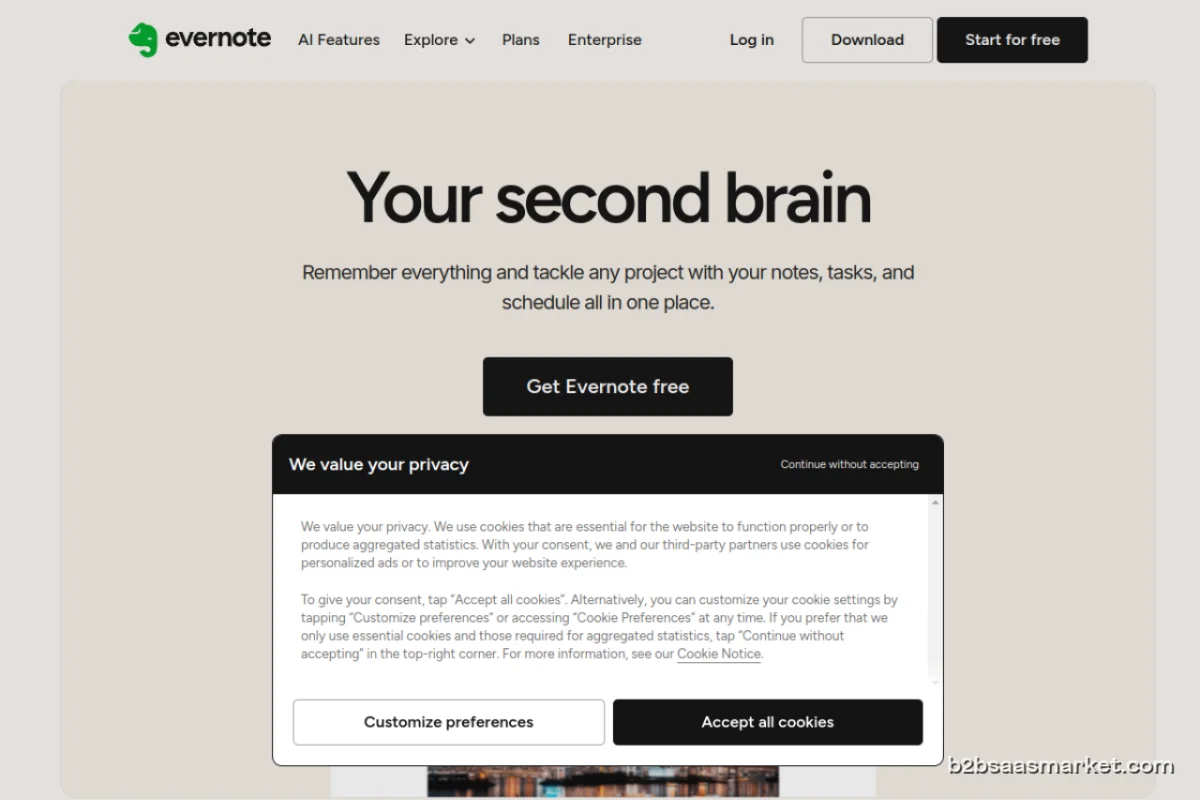
Evernote is a powerful note-taking app designed for individuals and teams who want to organize their thoughts, ideas, and projects seamlessly. With a user-friendly interface and robust features, it helps users capture and manage information efficiently, boosting productivity and collaboration.
Evernote Review
Evernote is a versatile note-taking app that allows users to capture ideas, organize notes, and manage tasks all in one place. Whether you are a student, a professional, or part of a team, Evernote simplifies the way you manage your thoughts and projects. With its intuitive interface and powerful features, it serves as a digital workspace where you can store everything from simple notes to detailed project plans.
Who It's For
Evernote is ideal for a wide range of users, including students who need to keep track of lecture notes and research, professionals looking to streamline their workflows, and teams that require a collaborative space for brainstorming and project management. Its versatility makes it a valuable tool for anyone who wants to enhance their organization and productivity.
Core Functionality
At its core, Evernote enables users to create notes in various formats such as text, images, audio, and web clippings. You can categorize notes using notebooks and tags, making it easy to find information later. The search functionality is robust, allowing you to locate notes quickly, even if they contain handwritten text or images. Additionally, Evernote's synchronization feature ensures all your notes are accessible across multiple devices, including smartphones, tablets, and desktops.
Business Benefits
By using Evernote, businesses can improve their efficiency and collaboration. Teams can share notes and project plans seamlessly, ensuring everyone is on the same page. The ability to attach documents and images to notes allows for comprehensive project management. Furthermore, Evernote integrates with various other tools, enhancing its capabilities and making it a central hub for managing tasks and information.
Conclusion/Verdict
In conclusion, Evernote stands out as a comprehensive note-taking solution for individuals and teams alike. Its user-friendly design, extensive features, and cross-platform availability make it an essential tool for anyone looking to boost productivity and organization. Whether you are managing personal tasks or collaborating with colleagues, Evernote provides the flexibility and functionality needed to succeed.
Key Features
- Create and organize notes in various formats.
- Powerful search capabilities including handwriting recognition.
- Cross-device sync for seamless access.
- Notebooks and tags for efficient organization.
- Collaboration tools for sharing notes with teams.
- Web clipping tool to save articles and pages directly.
- Integration with other productivity tools.
- Reminder and task management functionalities.
Evernote Use Cases
- Students can organize lecture notes and study materials.
- Professionals can manage project plans and deadlines.
- Creative teams can brainstorm and store ideas collaboratively.
- Researchers can compile and categorize research notes and references.
- Business leaders can track meeting notes and action items.
Evernote Pros & Cons
- User-friendly interface that is easy to navigate.
- Robust search functionality, allowing quick access to notes.
- Supports multiple formats including text, images, audio, and web clippings.
- Excellent organizational tools with notebooks and tags.
- Cross-device synchronization ensures access to notes anywhere.
- Collaboration features that enable sharing notes with teams.
- Integration with various third-party applications enhances productivity.
- Free version has limited features compared to paid plans.
- Some users may find the interface cluttered with numerous options.
- Occasional syncing issues reported by users.
- Advanced features may require a learning curve for new users.
- Limited offline access without a premium subscription.
Integrations
Frequently Asked Questions
Evernote is a digital note-taking application that allows users to capture, organize, and manage information in various formats including text, images, and audio.
Evernote offers a free version with limited features, as well as premium plans that provide additional functionalities and storage.
Yes, Evernote synchronizes your notes across all devices, including smartphones, tablets, and desktop computers, allowing for seamless access.
Yes, Evernote allows users to share notes and collaborate with team members, making it an excellent tool for group projects.
You can create a variety of notes in Evernote, including text notes, image notes, audio recordings, and web clippings.
While the free version has limitations on uploads and features, premium users can create unlimited notes with enhanced capabilities.
Evernote allows offline access, but premium users have more extensive offline capabilities compared to free users.
Quick Info
- Category Productivity
- Rating 2.8/5
- Free Trial Yes
- Trial Period 7 days
- API Available Yes
- Deployment Cloud


Community
Mobile Apps
Company Info
- Company Evernote Corporation
- Founded 2004
- Headquarters San Francisco, United States
- Employees 201-500
 More tools from United States →
Target Audience
Evernote is perfect for professionals, students, and teams who require efficient organization and collaboration. Its comprehensive features cater to anyone looking to enhance their productivity and streamline their workflow.
Platforms