
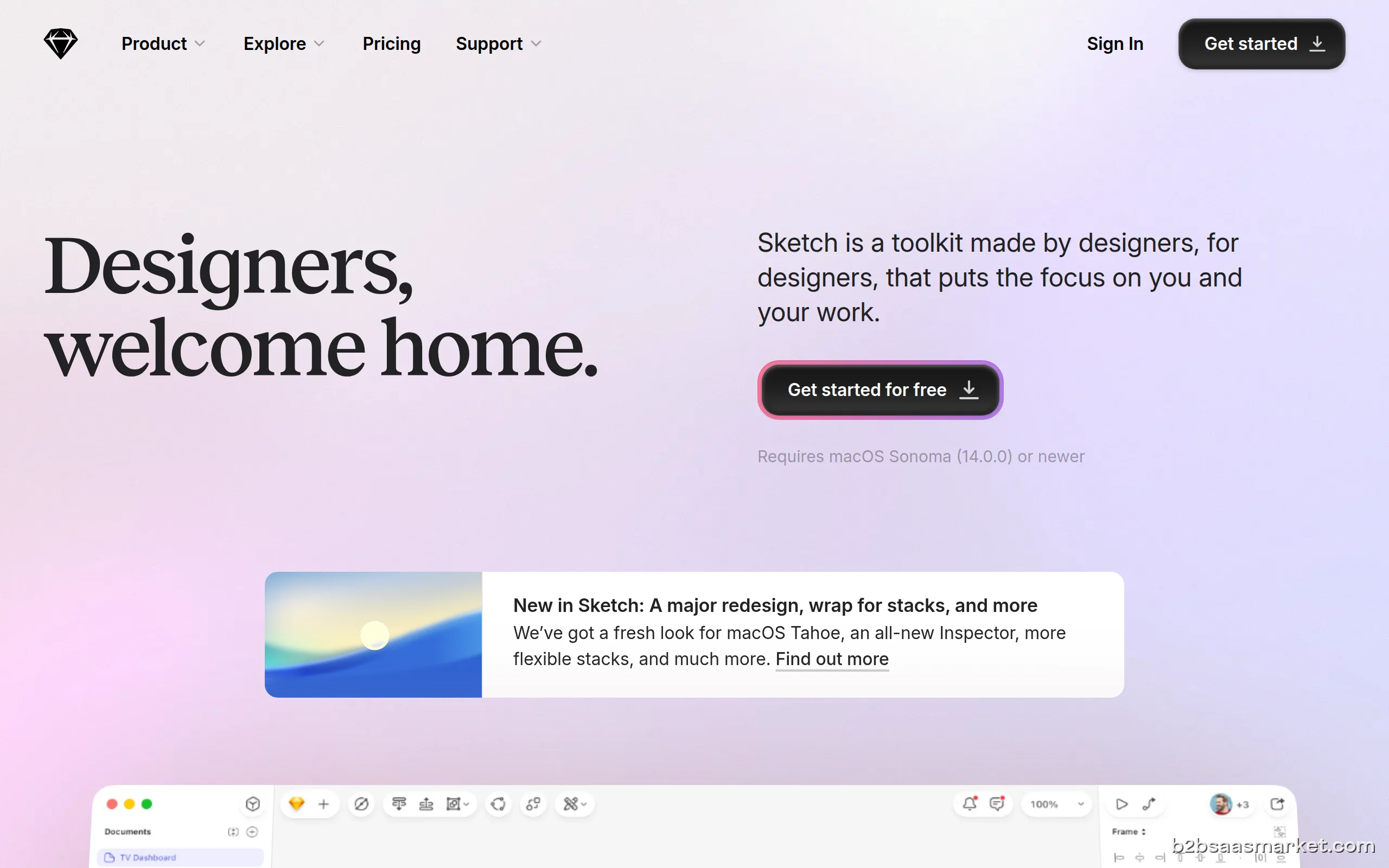
Sketch is a powerful digital design toolkit that empowers designers to create, collaborate, and prototype with ease. Ideal for teams working on UI/UX projects, Sketch provides a flexible platform with robust features tailored for modern design workflows, making it a go-to choice for creative professionals.
Sketch Review
Sketch is a leading digital design toolkit that has revolutionized the way designers approach UI and UX projects. This powerful platform is tailored for professionals who require a fluid and collaborative environment to create stunning visual designs. With its intuitive interface and extensive set of tools, Sketch allows users to streamline their design processes, making it an essential resource for teams looking to enhance their productivity and output quality.
Who It's For
Sketch is primarily aimed at designers and creative teams within businesses of all sizes who are focused on digital products. Whether you are part of a small startup or a large enterprise, Sketch provides the necessary tools to meet your design needs. Its collaborative features make it particularly suitable for teams that require real-time feedback and iteration on design projects.
Core Functionality
The core functionality of Sketch revolves around vector editing, which allows designers to create scalable graphics without losing quality. Additionally, Sketch supports layers, symbols, and artboards, enabling users to manage complex design projects efficiently. The platform also integrates with a wide range of plugins and third-party applications, further enhancing its capabilities. Furthermore, the collaboration features allow teams to share designs easily and gather feedback quickly, streamlining the design process.
Business Benefits
By adopting Sketch, businesses can significantly enhance their design efficiency. The software’s user-friendly interface reduces the learning curve for new team members, allowing them to contribute effectively in a short time. Moreover, the ability to create reusable components through symbols helps maintain consistency across projects, which is crucial for branding. The collaborative nature of Sketch fosters a culture of teamwork, leading to more innovative solutions and faster project completion.
Conclusion/Verdict
In conclusion, Sketch stands out as an exceptional digital design toolkit that caters to the needs of modern design teams. Its powerful features, ease of use, and collaborative capabilities make it a valuable asset for any organization focused on delivering high-quality digital products. For teams looking to elevate their design processes and output, Sketch is undoubtedly worth considering.
Key Features
- Vector-based design tools for scalable graphics.
- Artboards for managing multiple design layouts.
- Symbols to create reusable design components.
- Collaboration tools for real-time feedback.
- Extensive plugin support for customization.
- Export options for various file formats.
- Smart guides and snapping for precise alignment.
- Version control to manage design changes.
Sketch Use Cases
- Creating user interfaces for mobile applications.
- Designing websites with responsive layouts.
- Prototyping digital products for user testing.
- Collaborating on design projects in real-time.
- Building design systems for maintaining brand consistency.
- Creating marketing materials such as banners and ads.
Sketch Pros & Cons
- User-friendly interface that reduces the learning curve for new users.
- Powerful vector editing capabilities for high-quality designs.
- Robust collaboration features that enable real-time feedback.
- Extensive library of plugins to enhance functionality.
- Ability to create reusable components for consistency.
- Regular updates to improve performance and add new features.
- Cross-platform compatibility with various design tools.
- Limited functionality for non-design tasks.
- Lacks some advanced features found in competitor tools.
- Requires a Mac for full functionality, which limits accessibility.
- Can become resource-intensive with complex projects.
- Initial setup may take some time to customize to team needs.
Pricing
Free trial available (30 days)
User Reviews
Ordered some items on 31july still haven’t received any items as yet.
Frequently Asked Questions
Sketch is a digital design toolkit that enables designers to create, collaborate, and prototype visually appealing user interfaces and experiences.
Sketch is primarily available on MacOS, which is essential for its full functionality. There are web-based options for collaboration.
Yes, Sketch offers a free trial period for new users to explore its features and functionalities before committing to a subscription.
Absolutely. Sketch supports a variety of plugins and third-party integrations to enhance its capabilities and fit into existing workflows.
Sketch is ideal for designers, UI/UX teams, and agencies focused on digital product design, looking for a collaborative and efficient design tool.
Yes, Sketch provides cloud storage options, enabling users to manage their projects and collaborate seamlessly with team members.
Sketch requires a Mac computer running the latest version of MacOS to ensure compatibility and optimal performance.
Quick Info
- Category Design Tools
- Rating 3.8/5
- Free Trial Yes
- Trial Period 30 days
- API Available Yes
- Deployment Cloud


Community
Mobile Apps
Company Info
- Company Bohemian Coding
- Founded 2010
- Headquarters Utrecht, Netherlands
- Employees 51-200
 More tools from Netherlands →
Target Audience
Sketch is ideal for professional designers, UI/UX teams, and creative agencies who need a comprehensive tool for digital design. It suits those who value collaboration and efficiency in their design processes, making it a favorite among creative professionals.
Platforms